10 min read

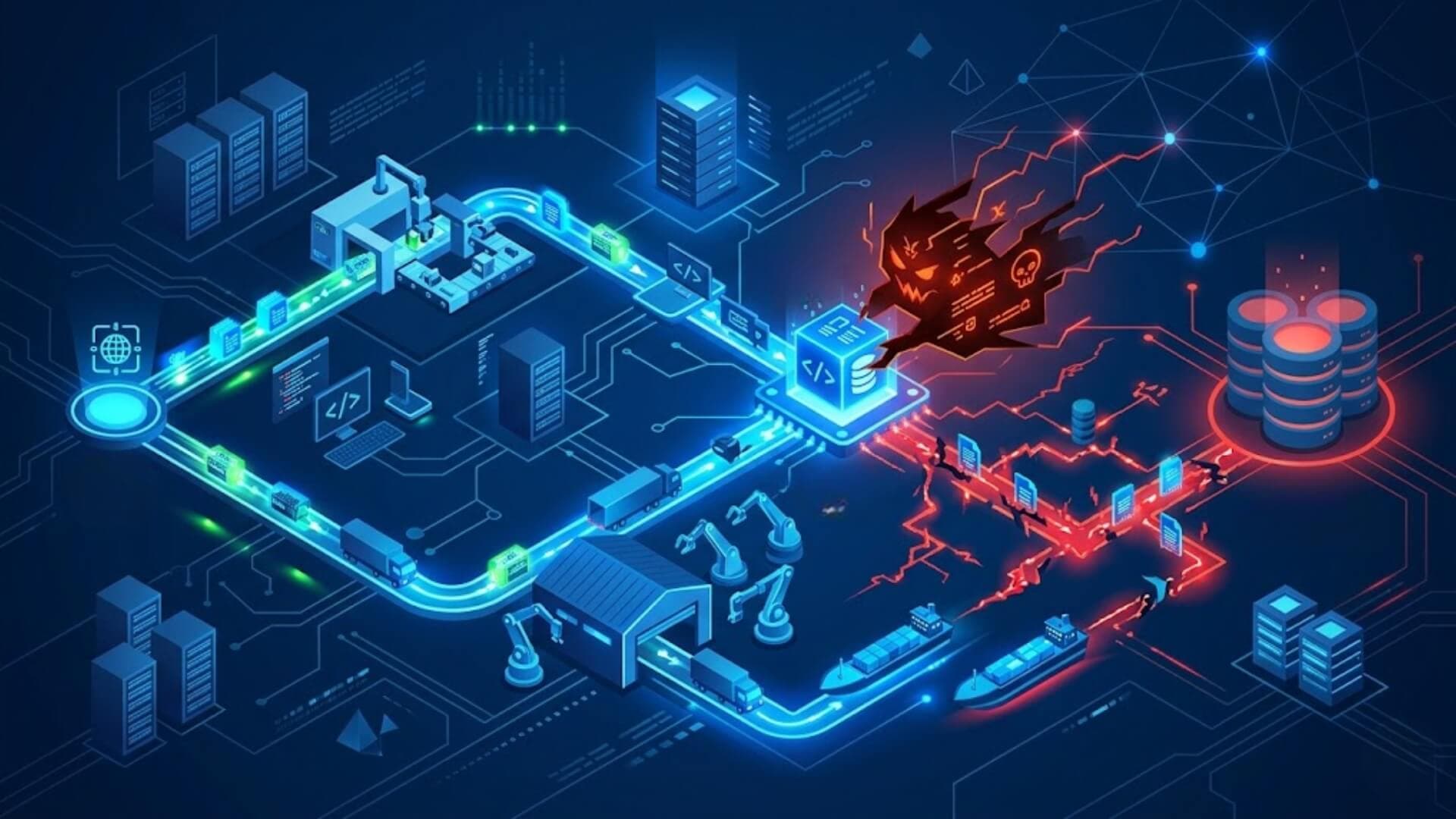
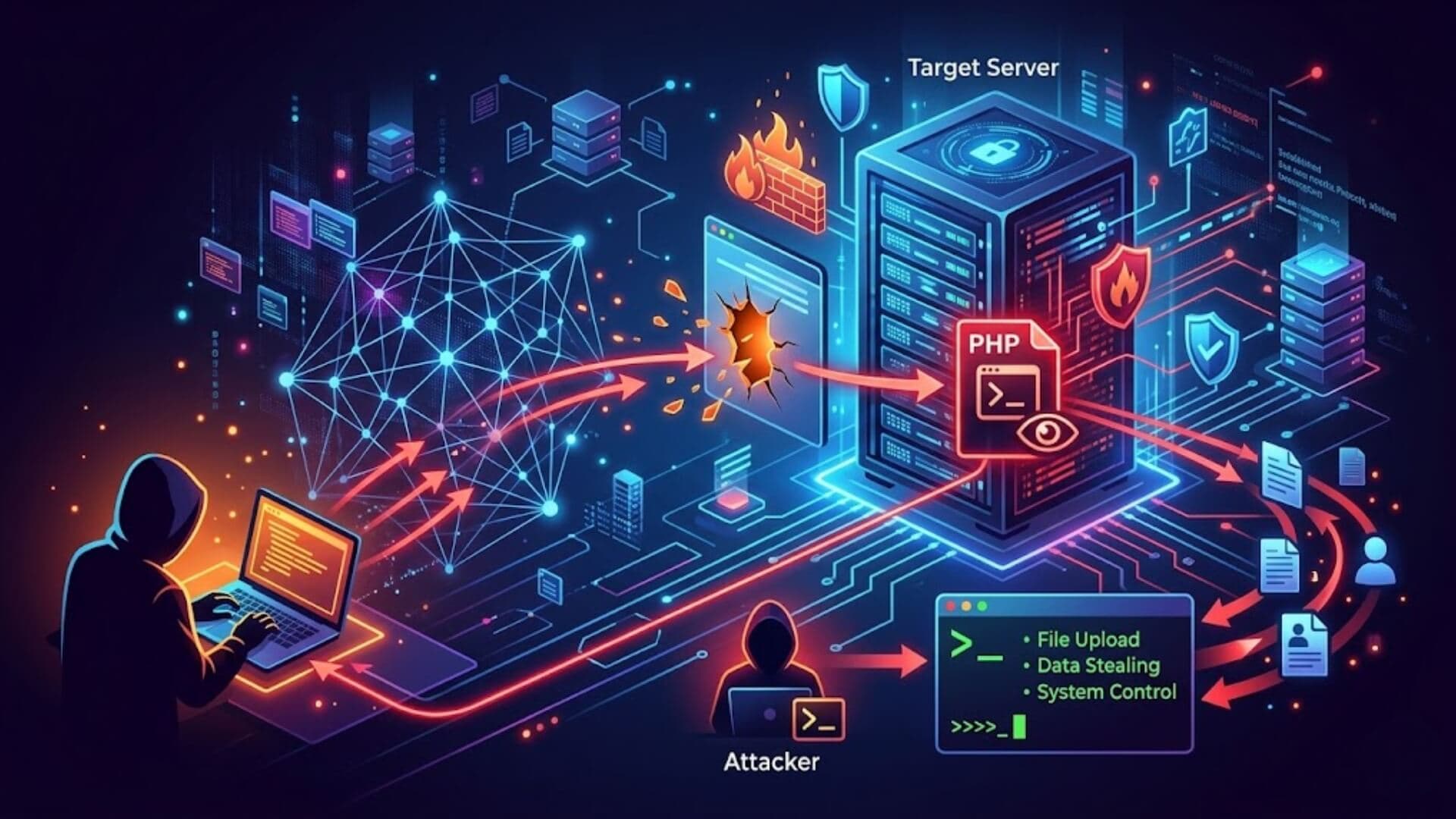
Imagine waking up to discover your website has been hacked, your data compromised, and your visitors redirected to malicious pages. Unfortunately, this scenario is more common than many businesses realize. Malware attacks are increasingly automated, sophisticated, and capable of bypassing basic security measures.
A reliable malware scanner helps detect threats early by scanning files, databases, and website behavior for suspicious patterns. Instead of reacting after damage is done, it allows you to proactively identify and remove infections before they escalate into costly downtime or lost customer trust.
In this guide, we’ll explain what a malware scanner is, how it protects your website, and the top malware scanner features that ensure comprehensive and long-term security.
What is a malware scanner?Link to heading

A malware scanner is a security tool that checks your website for harmful or suspicious code. It scans your files, database, and server environment to find hidden threats such as viruses, backdoors, spam injections, or unauthorized changes that could damage your website.
Instead of manually reviewing thousands of lines of code, a malware scanner automatically analyzes your system using advanced detection methods. It compares files against known malware patterns, looks for unusual behavior, and identifies changes that should not be there. This allows it to detect both common threats and newly emerging attacks.
In simple terms, a malware scanner helps answer one essential question: Is my website infected or safe? By identifying problems early, it helps prevent data loss, reputation damage, and costly downtime.
How a malware scanner worksLink to heading
Signature-based detectionLink to heading
Signature-based detection identifies malware by comparing files against a database of known malicious code patterns, often called “signatures”. When a file matches a known signature, the scanner immediately flags it as infected. This method is highly effective for detecting widely recognized threats such as common backdoors, spam scripts, and trojans.
However, signature-based detection alone cannot identify brand-new or heavily modified malware. That’s why advanced scanners combine it with additional analysis techniques.
Heuristic & Behavioral analysisLink to heading
Heuristic and behavioral analysis focus on identifying suspicious activity rather than exact code matches.
Instead of asking, “Does this match known malware?”, the scanner asks:
- Is this script behaving unusually?
- Is it modifying system files unexpectedly?
- Is it attempting unauthorized outbound connections?
By analyzing patterns and behaviors, the scanner can detect previously unknown threats, zero-day exploits, or obfuscated malware designed to evade traditional detection methods.
This approach significantly improves protection against evolving cyber attacks.
File integrity monitoringLink to heading
File Integrity Monitoring (FIM) tracks changes to your website’s core files and compares them against a trusted baseline. If a critical file is modified without authorization, the scanner immediately flags the change. This is particularly useful for detecting:
- Hidden backdoors inserted into core files
- Unauthorized code injections
- Malicious modifications to themes or plugins
Since legitimate updates follow predictable patterns, unexpected file changes are often a strong indicator of compromise.
Blacklist & Reputation checksLink to heading
Many malware scanners also verify whether your domain or IP address appears on security blacklists or threat intelligence databases. They check your website’s reputation against services used by search engines and browsers. If your site is flagged as malicious, visitors may see warning messages, and search rankings may drop.
Blacklist and reputation checks help you detect problems early, sometimes even before visible symptoms appear allowing you to act quickly to restore trust and prevent further damage.
Key features to look for in a malware scannerLink to heading

Choosing the right malware scanner is not just about detecting threats, it’s about ensuring continuous protection, fast response, and easy management. A high-quality scanner should provide multiple layers of security while remaining simple to use. Below are the most important features you should look for.
Real-time monitoringLink to heading
Real-time monitoring allows a malware scanner to continuously watch your website for suspicious activity. Instead of scanning only at scheduled times, it detects threats the moment they appear.
This is especially important for preventing rapid attacks such as backdoor injections or automated exploits. Immediate alerts enable you to respond quickly before the infection spreads or causes visible damage.
Automated daily scanningLink to heading
Automated daily scanning ensures your website is checked regularly without requiring manual action. Since new vulnerabilities and malware variants appear constantly, consistent scanning is essential.
A good malware scanner should run in the background and notify you if any suspicious files, code changes, or database injections are detected. Automation reduces human error and guarantees that no scan is forgotten.
Cloud-based vs Server-based scanningLink to heading
Malware scanners generally operate in two ways: cloud-based or server-based. Cloud-based scanning analyzes your website externally without consuming your server resources. It is ideal for performance optimization and quick deployment.
Server-based scanning runs directly on your hosting environment. It can inspect deeper system files and provide more detailed analysis, but it may use server resources during the scan. The best solutions often combine both methods to maximize detection coverage and efficiency.
Firewall integrationLink to heading
A malware scanner becomes even more powerful when integrated with a web application firewall. While the scanner detects infections, the firewall prevents malicious traffic from reaching your website in the first place. This layered approach blocks brute force attacks, suspicious bots, and known exploit attempts before they cause harm. Detection is important, but prevention significantly reduces risk.
One-click malware removalLink to heading
Detection alone is not enough, you also need an efficient cleanup process. A reliable malware scanner should offer one-click or guided malware removal to eliminate threats quickly. This feature is especially valuable for non-technical website owners who may not know how to manually edit infected files or repair database injections. Fast removal minimizes downtime and prevents further damage.
Detailed reporting dashboardLink to heading
A clear and detailed reporting dashboard helps you understand your website’s security status at a glance. It should display scan results, detected threats, file changes, blacklist status, and security history. Good reporting not only improves transparency but also builds confidence. When you can see what was scanned, what was detected, and what was resolved, you gain full control over your website’s security.
Best malware scanners in 2026Link to heading

SucuriLink to heading
Sucuri is a cloud-based website security platform designed to protect not just WordPress sites but also other types of CMS and custom websites. Its malware scanning works through both remote and server-side checks, analyzing how your site appears to users and search engines as well as inspecting files for hidden threats. It also monitors blacklist status so you can catch reputation issues early, even before visitors see warnings.
One of Sucuri’s strengths is its professional malware cleanup service, included with premium plans and handled by security analysts. This makes it a good choice for website owners who prefer expert assistance rather than handling cleanup themselves. Sucuri also integrates with a cloud firewall that filters malicious traffic externally, reducing load on your server and helping with performance.
However, because Sucuri’s scanning can be less intuitive and its remote scans may miss deeply embedded threats compared to some alternatives, it is often recommended in combination with other tools or for users who value managed cleanup services over hands-on control.
WordfenceLink to heading
Wordfence is one of the most widely used security plugins for WordPress, thanks to its deep integration with the platform and extensive malware scanning capabilities. Its scanner runs on the server, examining core files, themes, plugins, and other content for malicious code. Wordfence maintains a large database of malware signatures and real-time threat intelligence, making it very effective at detecting known threats and providing detailed scan results.
Wordfence also includes powerful login protection features, such as brute force defense and two-factor authentication, making it a more comprehensive security solution for WordPress sites specifically. The scanner can run scheduled or manual scans and alerts you to issues that need attention.
One potential downside is that Wordfence’s server-side scanning can consume more resources and may impact performance on smaller hosting plans. Additionally, while the malware scanner is strong, it may generate false positives and often requires manual cleanup action unless you purchase premium support.
Quttera web malware scannerLink to heading
Quttera Web Malware Scanner is a cloud-based tool that focuses on deep threat detection without installing software on your server. It analyzes your website externally, looking for malicious code, hidden files, suspicious behavior, and indicators of compromise that other scanners might miss.
Quttera is able to detect a wide range of threats, including obfuscated scripts, backdoors, and unauthorized redirects by examining how your site behaves from a visitor’s perspective. Because it doesn’t rely only on signature matching, it can also catch previously unknown or modified malware. Its cloud-based approach means minimal impact on your server resources while still providing comprehensive scanning.
This scanner is ideal for website owners who want a lightweight, no-installation solution that quickly identifies infections and provides actionable insights for cleanup.
Norton safe webLink to heading

Norton safe web is part of the broader security suite offered by Norton 360, and it focuses on website reputation and safety from the perspective of users and search engines.
Rather than deeply scanning file structures or databases, Norton safe web evaluates your site’s URL against a global threat intelligence database. It flags malicious domains, phishing pages, and known infected sites to protect users before they even arrive. When a site is marked unsafe, visitors may see warnings, and search engines may lower rankings or block access.
While Norton safe web doesn’t replace a full malware scanner that inspects code, it offers an important layer of protection by alerting you to broader reputation issues and helping prevent traffic loss due to safety warnings. This makes it especially valuable for business owners focused on trust and brand integrity.
DetectifyLink to heading
Detectify is a cloud-powered security platform that combines malware scanning with advanced vulnerability detection and ethical hacking insights. Developed by cybersecurity experts, Detectify simulates real-world attacks to discover weaknesses in your web application and environment.
Its malware scanning capabilities extend beyond simple signature detection, it incorporates behavioral analysis and threat intelligence to identify hidden infections, suspicious scripts, and compromised endpoints. Detectify also scans for hundreds of common vulnerabilities, such as SQL injection points or improper access controls, which can serve as gateways for malware attacks.
Because of its broader focus, Detectify is especially suitable for medium to large-scale websites, SaaS platforms, and applications that require both malware detection and proactive security assessment. It provides detailed reports and actionable recommendations to help technical teams harden their environments.
What to do if malware is detectedLink to heading
Discovering malware on your website can be alarming, but acting quickly and methodically can prevent further damage. Follow the steps below in order.

Immediate isolation stepsLink to heading
As soon as malware is detected, your first priority is to stop it from spreading.
- Put your website into maintenance mode if possible. This limits visitor exposure and prevents attackers from exploiting the infection further.
- Disconnect external integrations such as third-party APIs or suspicious plugins that may have been compromised.
- Change all passwords immediately, including:
- Admin accounts
- Hosting control panel
- FTP/SFTP
- Database access
- Revoke unknown user accounts or suspicious administrator privileges.
- Contact your hosting provider if the infection appears server-level or affects multiple websites.
The goal at this stage is containment, preventing further unauthorized access or damage.
Backup verificationLink to heading
Before deleting or modifying anything, check your backups carefully.
- Identify the most recent clean backup taken before the infection occurred.
- Do not assume all backups are safe, scan them with a malware scanner before restoring.
- Compare timestamps to determine when suspicious changes first appeared.
If you have a verified clean backup:
- Restore it in a staging environment first (not directly to production).
- Scan it again before going live.
If no clean backup exists, you will need to proceed with manual or automated cleanup.
Removing malicious codeLink to heading
Malware removal must be thorough. Leaving even a small backdoor behind can lead to reinfection.
You can remove malware using one of these methods:
-
Automated removal tool
If your malware scanner offers one-click cleanup, use it first. This is the safest option for non-technical users.
-
Manual cleanup
- Compare infected core files with fresh versions from the official source.
- Remove unknown PHP files or suspicious scripts.
- Delete hidden backdoors (often found in uploads or obscure directories).
- Clean injected database entries such as spam links or phishing pages.
Important:
After cleanup:
- Update your CMS, themes, and plugins immediately.
- Re-scan your entire website to confirm the infection is fully removed.
If you are unsure, hiring a professional malware removal service is strongly recommended.
>>> See more: Scan site for malware: Complete guide to check your website
Preventing future malware infectionsLink to heading

Removing malware is only half the battle. The real goal is to prevent it from happening again. Cyber attacks are often automated and persistent, meaning once a website is identified as vulnerable, it may be targeted repeatedly.
A strong prevention strategy combines protection, access control, system maintenance, and continuous monitoring. Below are the essential measures every website owner should implement.
Use of Web Application FirewallLink to heading
A Web Application Firewall (WAF) acts as a protective shield between your website and incoming traffic. It filters and blocks malicious requests before they reach your server.
A WAF can:
- Block brute force login attempts
- Prevent SQL injection and cross-site scripting (XSS) attacks
- Stop malicious bots and automated exploit tools
- Filter suspicious IP addresses
Unlike a malware scanner, which detects infections after they occur, a firewall focuses on prevention. Using both together creates layered security, one prevents attacks, the other detects hidden threats.
For maximum effectiveness, choose a firewall that offers real-time rule updates and integrates smoothly with your hosting environment.
Important: If you’re running a WordPress website and want powerful protection without complex configuration, W7SFW (WordPress Firewall) is built specifically for you. It blocks malicious traffic by default, applies intelligent whitelisting rules, and protects your login page from brute force attacks, all through a simple, user-friendly interface.
>>> Don’t wait until your site is compromised, activate W7SFW today and add a strong prevention layer to your WordPress security strategy.
Strong authentication practicesLink to heading
Weak login credentials remain one of the most common causes of website infections. Strengthening authentication significantly reduces unauthorized access.
Best practices include:
- Use long, complex passwords for all accounts
- Enable two-factor authentication (2FA) for administrators
- Limit login attempts to prevent brute force attacks
- Remove unused or inactive accounts
- Assign users the minimum permissions necessary
By tightening access control, you eliminate easy entry points for attackers.
Regular updates & Patch managementLink to heading

Outdated software is a major vulnerability. Hackers often exploit known security flaws in older versions of CMS platforms, plugins, themes, and server software.
To reduce risk:
- Enable automatic updates whenever possible
- Regularly review installed plugins and remove unused ones
- Monitor vendor security announcements
- Apply patches immediately after release
Consistent updates close security gaps before attackers can exploit them.
Continuous monitoring strategyLink to heading
Prevention is not a one-time setup, it requires ongoing vigilance. Continuous monitoring ensures you detect suspicious activity early, even if an attacker bypasses other defenses.
An effective monitoring strategy includes:
- Automated daily malware scanning
- Real-time alerts for file changes
- Blacklist and reputation monitoring
- Server activity logs review
- Scheduled security audits
When monitoring runs continuously in the background, threats are detected quickly, reducing the impact of potential breaches.
ConclusionLink to heading
Understanding what a malware scanner is and how it works gives you a clear advantage against evolving cyber threats. If you value your website’s performance, reputation, and customer trust, now is the time to implement a reliable malware scanner and build a proactive security strategy before an attack happens.