10 min read
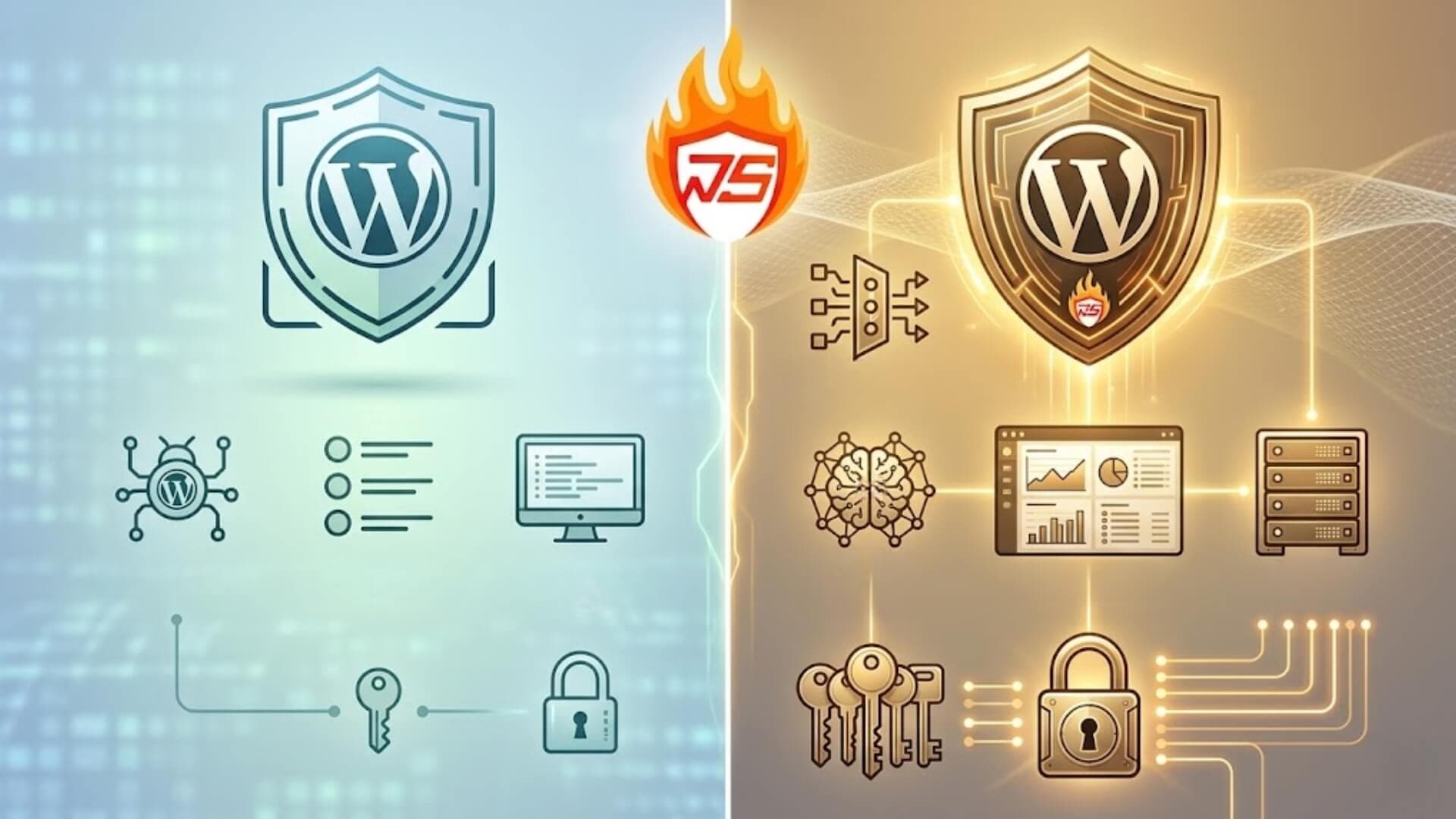
When deploying W7SFW for a WordPress website, most users will inevitably face the same question: should they stick with the Free plan or upgrade to Pro to better meet their actual needs? This is because both plans provide a fairly similar core security foundation; however, their level of performance and capability differs once the website starts to grow, attract more traffic, or require stable operation in a real-world environment.
If you are also unsure which option is the right fit for your website at this stage, this article will help you clearly understand the differences between W7SFW Free and Pro, so you can choose the plan that truly matches your practical needs, rather than making a decision based solely on price or intuition.
>>> Learn more: Plugin Firewall vs W7SFW: Which is more effective WordPress
W7SFW Free vs Pro: OverviewLink to heading

What is W7SFW Free?Link to heading
W7SFW Free is the no-cost version of W7SFW, offering a complete set of core security features to protect WordPress websites. It operates using a perimeter-based blocking mechanism known as “Blacklist All,” combined with an intelligent filtering system (Default Rule & Whitelist). This approach helps eliminate most malicious requests before they can reach the WordPress environment.
In addition, W7SFW Free includes essential protection layers such as Two-Factor Authentication (2FA) and sensitive file access restrictions. These features help minimize risks associated with brute-force attacks, vulnerability scanning, or accidental data exposure due to misconfigurations.
Overall, W7SFW Free serves as a solid security foundation for smaller websites or controlled environments where performance demands and scalability requirements are relatively limited.
>>> See more: How much protection does W7SFW free offer for WordPress site
What is W7SFW Pro?Link to heading
W7SFW Pro is the upgraded version, designed for websites with higher traffic volumes and the need for long-term operational stability. While retaining all the core security mechanisms found in the Free version, Pro focuses on enhancing processing capacity, flexibility, and overall system performance.
Specifically, it allows for a higher number of rules, increased request handling limits (such as upload size and timeout), and introduces additional operational features including global server support, page caching, CORS, custom port configuration, and a dedicated support ticket system. These enhancements ensure that the website not only remains secure but also performs consistently under heavier loads or more complex system architectures.
In simple terms, if W7SFW Free provides the foundational layer of protection, W7SFW Pro is built for production environments, where security must go hand in hand with scalability and stable performance.
W7SFW Free vs Pro: Core featuresLink to heading
As mentioned earlier, both W7SFW Free and Pro share the same underlying security architecture. The Free version is not stripped of any essential security mechanisms. This means that regardless of the plan you choose, your website is protected based on a consistent principle: blocking threats at the perimeter and only allowing safe requests to enter the system.

Below are the key security features of W7SFW and how they function:
Blacklist AllLink to heading
“Blacklist All” acts as the first and most critical layer of defense in W7SFW. Instead of allowing requests to reach WordPress and then processing them, an approach commonly used by many traditional security plugins, W7SFW proactively blocks all incoming traffic at the outermost layer.
This method effectively eliminates a large portion of malicious requests before they can interact with the system. As a result, server load is significantly reduced, and the risk of unexpected attack scenarios is minimized.
Default Rule & WhitelistLink to heading
Following the “Blacklist All” layer, W7SFW applies a combination of Default Rules and a dynamic Whitelist to accurately determine which requests are safe.
The Default Rule functions as a system-level behavioral filter that can:
- Automatically analyze request characteristics
- Detect unusual or suspicious patterns
- Prioritize legitimate traffic while blocking questionable activities
At the same time, the intelligent Whitelist records verified safe requests, allowing them to pass through quickly in subsequent visits without being re-evaluated from scratch.
Two-Factor AuthenticationLink to heading
W7SFW includes built-in Two-Factor Authentication (2FA), combining an extension-based factor with a password to secure access to the WordPress admin area. Instead of relying solely on a password, this additional verification step ensures that only authenticated users can gain access. This significantly reduces the risk of password guessing, brute-force attacks, and unauthorized administrative access.
Sensitive Data ProtectionLink to heading
W7SFW is equipped with a built-in feature that blocks access to critical files and directories, helping to minimize the risk of data exposure caused by misconfigurations, outdated plugins, or the accidental deployment of internal files to a public environment.
This protection layer is enabled by default and operates automatically upon activation, requiring no additional configuration. In practice, it is particularly effective in preventing large-scale scanning attacks, which often target exposed configuration files, backup files, or other internal resources.
>>> See more: What is W7SFW? Can it replace WordPress firewall Plugins?
W7SFW Free vs Pro: Additional featuresLink to heading

Total number of RulesLink to heading
W7SFW Free supports up to 20 rules, while the Pro version allows up to 50 rules. Although this difference may seem minor, it has a direct impact on how you design and scale your security system. In practice, a higher number of rules enables more granular control over different types of traffic. For instance, you can separate rules for bots, real users, APIs, or the admin area instead of relying on a simplified, unified logic.
With 20 rules, the Free plan is sufficient for basic websites with limited endpoints and relatively simple structures. However, as the website grows and traffic becomes more diverse, you may find it increasingly difficult to implement distinct layers of protection. In contrast, the 50-rule limit in the Pro plan offers significantly greater flexibility, allowing you to structure rules by specific groups without compromising or oversimplifying your logic.
Notably, this limitation may not be apparent at the beginning, but it gradually becomes a bottleneck as the system expands and requires more sophisticated control.
Upload limitLink to heading
The upload limit directly affects how your website handles data, particularly in tasks such as media uploads, data imports, or working with large files. The Free plan provides an upload limit of 100MB, which is generally sufficient for standard use cases like uploading images, lightweight documents, or basic content. However, when dealing with larger files such as videos, backups, or extensive data imports, this limit can quickly become restrictive.
In contrast, the Pro plan increases the limit to 500MB, offering a noticeable improvement in real-world operations. This allows for more stable handling of large files, reduces the likelihood of interruptions, and is better suited for websites with higher data processing demands.
Request processing timeLink to heading
The timeout setting determines whether a request has sufficient time to complete before being terminated. Although often overlooked, it plays a crucial role in maintaining system stability, especially when handling resource-intensive tasks.
W7SFW Free sets a timeout limit of 60 seconds, which is adequate for most standard requests. However, in scenarios such as data imports, large file processing, or high server load, requests may be interrupted before completion.
On the other hand, W7SFW Pro extends the timeout to 180 seconds, allowing the system to complete longer operations without disruption. This is particularly beneficial for tasks like running cron jobs, uploading large datasets, or managing sudden traffic spikes.
Overall, while the difference may not be noticeable for low-traffic or simple websites, it becomes increasingly important for systems that handle complex or resource-intensive operations.
Basic access securityLink to heading

Both Free and Pro plans include the Header Password feature, which provides an additional layer of access control at the request header level. This simple yet effective mechanism helps prevent unauthorized access from the outset.
In practice, the system requires each request to include valid authentication information in the header before it is processed further. This helps filter out unwanted traffic, particularly automated or malicious requests from bots.
Connection securityLink to heading
Both plans come with Auto SSL, which automatically enables SSL certificates without requiring manual configuration. This ensures that all data transmitted between users and the website is encrypted, protecting sensitive information such as login credentials and communication content from interception or tampering.
HTTP/3 supportLink to heading
W7SFW Free and Pro both support HTTP/3, a next-generation protocol designed to enhance speed and stability in web communication. Unlike previous protocols that rely on TCP, HTTP/3 uses QUIC over UDP, enabling faster connection establishment, lower latency, and improved performance when handling multiple simultaneous requests.
Technical supportLink to heading
In the Free plan, support is primarily community-based. This means that when issues arise, users are responsible for troubleshooting on their own or searching for solutions from external sources. While this may be manageable for simple websites, it can become time-consuming when problems occur during active operation.
In contrast, the Pro plan includes a dedicated support ticket system, allowing users to request assistance directly. This is particularly valuable in time-sensitive situations where quick resolution is critical, and trial-and-error approaches are not feasible.
Distribution infrastructureLink to heading
Both the Free and Pro plans support a global server system, allowing requests to be processed and distributed based on the user’s geographic location. In simple terms, instead of sending all requests to a single server, the system routes traffic through nodes that are closer to the user. This approach helps reduce the load on the origin server and minimizes the risk of overload when many users access the website at the same time.
System compatibilityLink to heading
In the Free plan, W7SFW does not support CORS, while the Pro plan includes this feature. This becomes a key difference when your website starts interacting with external systems or services.
CORS (Cross-Origin Resource Sharing) allows you to control how data is shared between different domains. Simply put, it lets you decide which domains are allowed to access resources from your website, instead of having to either fully allow or completely block access.
In practice, this feature becomes essential when your website no longer operates independently. For example, when connecting to APIs, separating frontend and backend into different systems, or integrating third-party services. Without CORS, these connections can become limited or difficult to manage. With the Pro plan, you gain more flexibility and better control over these interactions.
System customizationLink to heading

The Free plan does not allow you to change the default port, whereas the Pro plan provides this option. Changing the port not only adds an extra layer of security, by avoiding common ports targeted by automated scans, but also offers greater flexibility in system configuration.
This feature is particularly useful when your website runs multiple services simultaneously, uses a custom architecture, or needs to integrate with external systems. It allows you to manage and configure your infrastructure more effectively, rather than being restricted by default settings.
Performance optimizationLink to heading
In the Free plan, every request from users is processed directly by WordPress. This means the server has to render content each time a request is made, even if the content has not changed. For websites with low traffic, this is usually not an issue. However, as traffic increases, the server begins to experience noticeable pressure.
In contrast, the Pro plan includes a Page Cache mechanism. Processed content is stored and reused for subsequent requests, eliminating the need for WordPress to handle everything from scratch each time. As a result, the number of requests reaching the backend is significantly reduced.
In real-world usage, this makes a clear difference. The Pro plan helps maintain stable performance, especially when the website experiences high or sudden spikes in traffic.
W7SFW Free vs Pro: Which plan should you choose?Link to heading
If you are deciding between W7SFW Free and Pro, the most effective approach is not to focus solely on the feature list, but to consider how your website operates in reality. Ask yourself: Is your traffic stable? Is your system becoming more complex? Is downtime a serious risk?

When is W7SFW Free enough?Link to heading
The Free plan is suitable when your website is still relatively simple and under control:
- Small websites, personal blogs, or landing pages
- Low or stable traffic
- No complex endpoints such as APIs or multi-layer systems
- No large campaigns or sudden traffic spikes
In these scenarios, the Free plan performs well because W7SFW already blocks most harmful requests at the outer layer before they reach WordPress.
When should you choose W7SFW Pro?Link to heading
You should consider upgrading to Pro when your website begins to face real operational pressure:
- Business websites or e-commerce platforms
- Traffic driven by ads, SEO, or marketing campaigns
- Frequent traffic spikes
- Systems involving APIs, multiple services, or complex architecture
- Situations where downtime or timeouts are unacceptable
In practice, the issue is not whether your website is secure, but whether it can remain stable as traffic increases.
W7SFW Pro is designed to handle these challenges effectively. Higher limits for upload size and timeout reduce errors when processing heavy requests. The combination of page cache and global server support helps reduce backend load and maintain consistent speed during high traffic.
Additionally, the increased number of rules allows for better control over complex traffic patterns. When issues arise, the support ticket system enables faster resolution, rather than relying entirely on self-troubleshooting.
ConclusionLink to heading
Overall, both W7SFW Free and W7SFW Pro are solid choices for WordPress security, but each is suited to a different stage of website development. If you need a reliable security foundation for a small website with stable traffic and minimal performance demands, W7SFW Free is more than sufficient.
However, if your website is growing, handling more traffic, processing larger amounts of data, or requiring consistent stability, W7SFW Pro becomes the more appropriate option.
Most importantly, when choosing between W7SFW Free vs Pro, you should not base your decision solely on price or feature count. Instead, consider the actual operational needs of your website. The right plan is the one that ensures both effective protection and stable performance, while minimizing risks over the long term.