10 min read
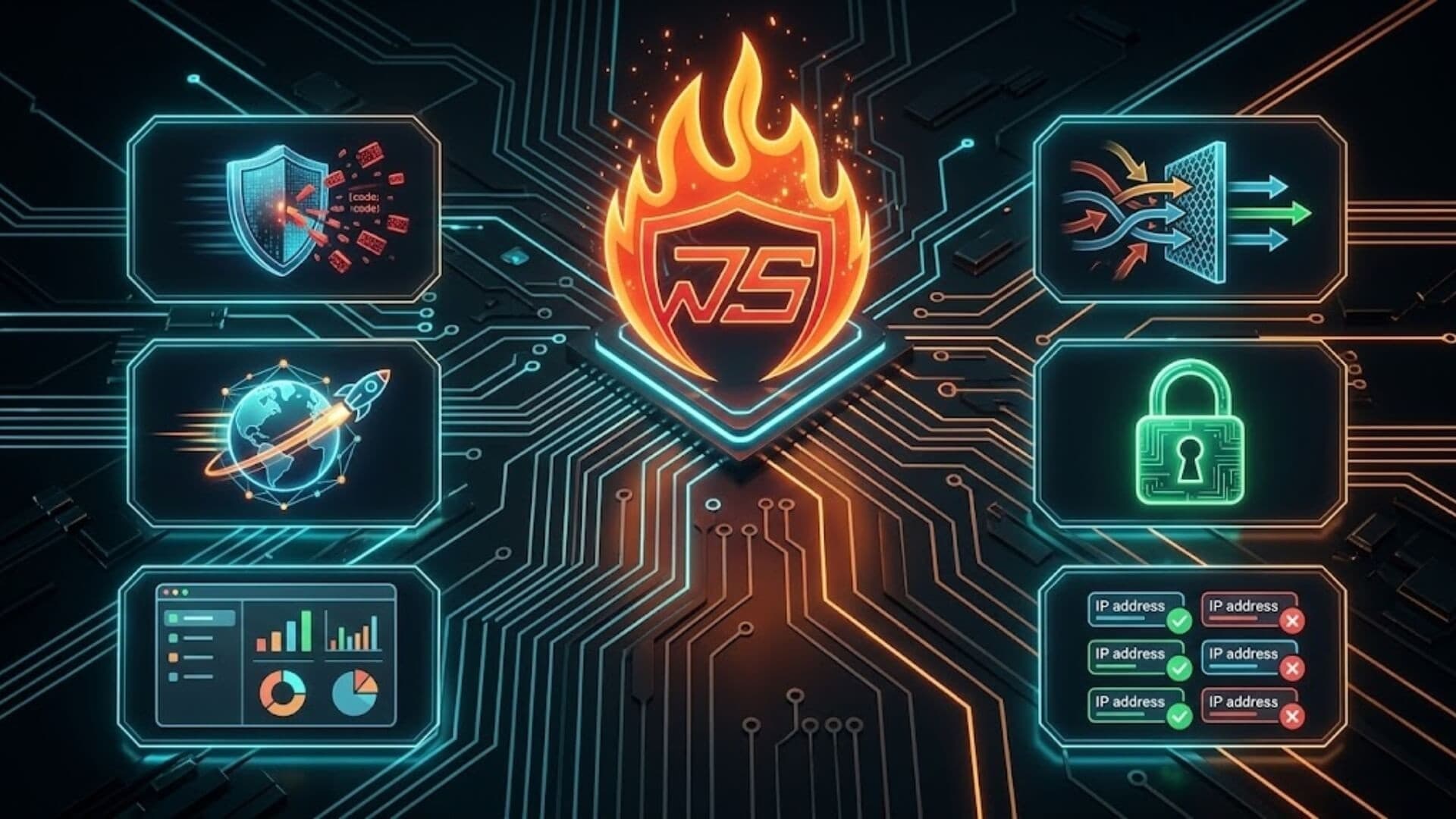
When searching for a security solution for WordPress, many website owners begin with free tools. This approach is entirely reasonable. No one wants to pay for a service without first understanding the value it provides. However, the real issue is that not every free solution delivers the level of protection that is genuinely necessary.
W7SFW is a firewall specifically designed for WordPress, operating as an external protection layer rather than a traditional in-plugin firewall. This approach allows threats to be filtered before they reach the WordPress core. W7SFW offers multiple service plans, including a Free plan positioned as a foundational layer of protection for personal websites, newly launched blogs, or small businesses in their early stages of growth.
Although the Free plan does not include the advanced features available in the paid versions, it is still built to address common threats, risks that most WordPress websites encounter from the very first day they go live.
In this article, we will examine each feature included in the W7SFW free plan and directly answer the question most website owners are asking: Is the W7SFW Free plan secure enough for your WordPress site, or is it merely suitable as a trial solution?
What exactly is included in the W7SFW free plan?Link to heading

Custom RulesLink to heading
Under the W7SFW free firewall plan, users can create up to 20 custom security rules tailored to their website’s specific needs. This allows them to proactively manage scenarios that may not be fully covered by the default rule set. For example, users can block suspicious IP ranges, restrict access to sensitive URLs, protect the login page, or deny abnormal requests from specific countries.
This level of customization provides greater control while maintaining a simple configuration process.
Upload SizeLink to heading
With the free firewall plan, the upload size limit is set at 100MB. This means the firewall monitors and processes uploaded files within this threshold, helping to prevent malicious files or abnormal upload behavior that exceeds safe limits. For small or newly launched websites, the 100MB limit is considered reasonable, offering a practical balance between performance and security.
TimeoutLink to heading
In the free plan, each request is limited to a maximum processing time of 60 seconds. If a request exceeds this duration or shows suspicious behavior, the firewall automatically terminates it. This timeout mechanism helps prevent attackers from exploiting long-running connections while ensuring that server resources are not consumed by abnormal or potentially harmful requests.
Auto SSLLink to heading
The W7SFW free firewall plan includes Auto SSL, which automatically activates and configures an SSL certificate for the website. This ensures that all data exchanged between users and the website is encrypted, reducing the risk of stolen login credentials, form submissions, or other sensitive information.
The automated SSL setup is particularly beneficial for users without technical expertise, as it eliminates the need for complex configuration or troubleshooting certificate errors. Basic encryption protection is enabled immediately once the firewall is activated.
Support for HTTP/3Link to heading
The free plan also supports HTTP/3, a next-generation protocol designed to improve website speed and connection stability. Compared to earlier versions, HTTP/3 reduces latency and optimizes performance under weak or unstable network conditions. This not only enhances the user experience, especially on mobile devices, but also allows the website to handle multiple concurrent requests more efficiently.
Global Server InfrastructureLink to heading

W7SFW operates on a global server infrastructure, with traffic processing nodes located in Asia, Europe, and the United States. As a result, user requests are routed to the nearest server for filtering before being forwarded to the origin server. This approach reduces response time and increases the effectiveness of malicious request filtering.
Community SupportLink to heading
The W7SFW free plan provides Community Support, allowing users to seek assistance through user communities and available documentation. Users can ask questions, learn from others’ experiences, and access step-by-step guides to configure the firewall properly. Although it does not include one-on-one technical support like paid plans, community-based assistance is generally sufficient for resolving common issues.
Built-in 2FALink to heading
Another important feature in the W7SFW free firewall plan is built-in two-factor authentication (2FA). This system operates through an extension combined with a password. When enabled, users must complete an additional verification step beyond their standard password before accessing the administration panel.
This significantly reduces the risk of brute-force attacks or password leaks. Even if a password is compromised, unauthorized users will find it difficult to log in without the additional authentication layer.
Prevent Sensitive Data ExposureLink to heading
One of the key protection features included in the free plan is Prevent Sensitive Data Exposure. This feature automatically blocks access to sensitive files and directories, which are commonly targeted by hackers due to configuration errors, outdated plugins, or accidental public exposure of internal files.
A major advantage of this feature is that it works automatically once activated, without requiring manual configuration or advanced knowledge of WordPress directory structures.
Step-by-Step Onboarding GuideLink to heading
Not all WordPress users have technical expertise. Therefore, the W7SFW free firewall plan includes a step-by-step onboarding guide to help users activate and configure the firewall correctly from the beginning.
The onboarding process is designed to be clear and intuitive, minimizing the risk of misconfiguration or overlooked steps. Even beginners can enable a basic protection layer for their website within a short time, without needing advanced technical support.
Standard Security DashboardLink to heading
The W7SFW free plan includes a standard security dashboard that displays essential website security information. Users can monitor protection status, blocked requests, and system performance in a clear and straightforward interface. Although the dashboard is not overly complex, it provides sufficient visibility to ensure users understand that their website is actively protected and that the firewall is functioning properly.
What W7SFW free plan does not cover?Link to heading

Although the W7SFW free firewall plan provides a solid foundational layer of protection, it still comes with clear limitations.
- Dedicated Server: The free plan does not include dedicated server infrastructure. Your website operates on a shared system environment rather than a private server setup.
- Custom Port: Users on the free plan cannot configure custom ports according to their specific needs. If your website requires a particular port configuration to integrate with internal systems or specialized applications, upgrading to a higher-tier plan will be necessary.
- Custom Header (CORS): The free plan does not support custom header configuration or advanced CORS settings. This may create constraints for complex web projects such as single-page applications (SPAs), multi-source API integrations, or microservices architectures.
- Advanced Support: The W7SFW free plan offers community-based support only. Users do not have access to:
- Live chat support
- Email ticketing system
- One-on-one technical consultation
- Auto Migrate to Cloudflare: Automatic migration or advanced integration with Cloudflare is not included in the free plan. If you require deeper CDN configuration or enhanced security optimization through Cloudflare, this feature is available in higher-tier packages.
- Full Page Cache: Full-page caching functionality is not provided in the free version.
- Image Optimization & WebP Support: The free plan does not include automatic image optimization or conversion to WebP format.
- Resource Limitations: Compared to upgraded versions, the free plan has lower limits in terms of upload size, the number of custom rules, and request timeout settings.
How much protection is “enough”?Link to heading
The question “how much is enough?” in website security does not have an absolute answer. The appropriate level of protection depends on several factors, including the size of the website, traffic volume, the type of data being processed, and the level of risk the owner is willing to accept. Therefore, to realistically evaluate the W7SFW Free plan, it is necessary to consider different categories of websites individually.

Personal blogs or newly launched websitesLink to heading
For personal blogs, portfolio websites, or newly launched sites with low traffic, the primary risks usually come from:
- Password brute-force bots
- Spam login attempts
- Automated vulnerability scanning requests
In these cases, features such as Intelligent Default Rules, 2FA, Whitelisting, and external traffic filtering are generally sufficient to handle most common threats.
For this group, the free plan is typically secure enough to ensure stable operation without the immediate need for an upgrade.
Small business websitesLink to heading
Small business websites often include:
- Contact forms
- Service pages
- Basic customer data storage
- Stable but moderate traffic
At this level, the free plan can still block common attacks effectively. However, if the website begins to grow rapidly in traffic, runs advertising campaigns, or collects increasing amounts of user data, limitations in rules, timeout settings, or system resources may become factors worth reconsidering.
For SMEs in the early stages of development, the free plan may be sufficient. Yet, as the business expands, upgrading becomes a reasonable step to minimize potential risks.
eCommerce websites or high-traffic platformsLink to heading
eCommerce websites or systems with frequent user logins, online payments, sensitive data storage, and high request volumes face significantly greater security risks.
In such cases, while the free plan still provides a foundational layer of protection, certain limitations may arise:
- Rule limits may not offer enough flexibility
- The 60-second timeout may restrict more advanced processing needs
- No 1:1 support in case of incidents
For this category, the free plan should be regarded as a starting point rather than a long-term solution.
ConclusionLink to heading
Overall, the W7SFW free firewall plan is not merely a “trial” version; it genuinely serves as a foundational security layer for WordPress websites in their early stages. With a nearly comprehensive feature set, the W7SFW free plan is capable of addressing most common threats faced by personal blogs, newly launched sites, and small business websites.
However, as a website grows in traffic, data volume, and operational complexity, its security requirements inevitably evolve. At that point, upgrading to a paid plan should be viewed not as an expense, but as an investment in protecting revenue, reputation, and user experience.
If you are asking, “How much protection does the W7SFW free firewall offer for a WordPress site?”, the answer is clear: it is secure enough to get started, robust enough to operate confidently, and transparent enough to help you decide when it is time to upgrade.