W7SFW - Simple
Firewall Protection
Simple
Firewall Protection
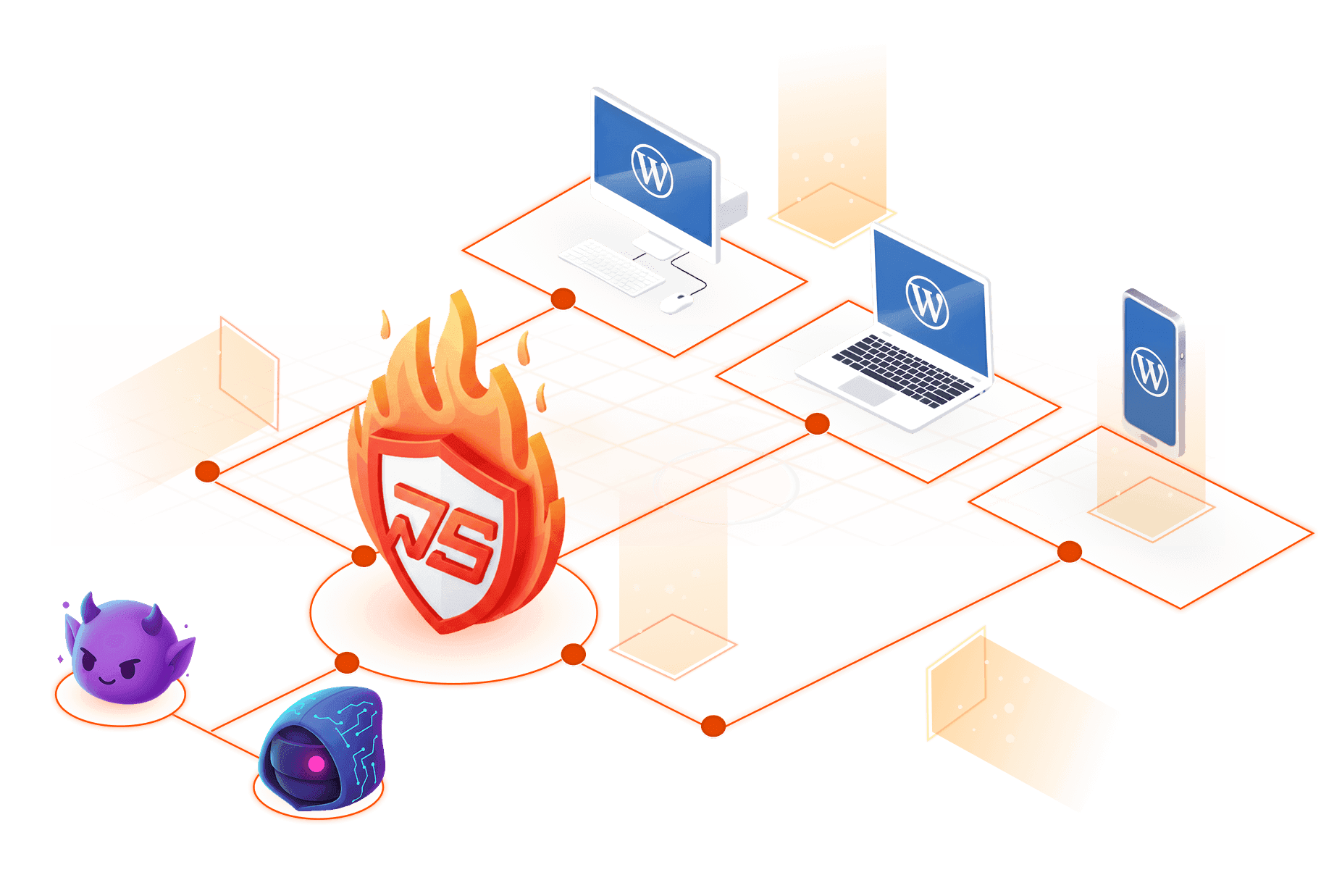
Establish a robust external security layer for your website using Intelligent Default Rules and an Active Whitelist System that blocks up to 99% of harmful traffic, ensuring your site remains secure, stable, and operates seamlessly.

Secure & Private
Real-Time Protection
Automated Filtering
Product Preview (Coming Soon)
WordPress Websites
A Primary Target for Cyber Attackers

Popularity comes at a price. The sheer scale of the WordPress ecosystem makes it the #1 hunting ground for automated bots and global cyber threats.
43,4%
of global websites currently operate on WordPress
61,3%
of CMS-based websites run on WordPress
4.700.000+
WordPress websites are attacked each year
W7SFW – WordPress Firewall
Build a robust defensive layer to protect your WordPress website.

1
Block all incoming traffic
The moment any traffic reaches your website, W7SFW immediately activates its temporary inbound blocking layer (Blacklist All), preventing every request - whether from real users, bots, or automated tools - from entering the system directly.
2
Dual Filtering
Next, the system applies the Default Rule to identify legitimate traffic and uses the Active Whitelist System to allow trusted links and pages. This ensures that only requests verified as safe are permitted to enter the website.
3
Enhanced authentication
To strengthen website security, W7SFW adds an additional layer of protection through two-factor authentication (via browser extension and secure password). This safeguards the WordPress login area by preventing unauthorized access and data extraction, even if the password has been compromised.
4 Reasons to Choose w7sfw
Experience the perfect balance of robust security, global speed, and effortless management. We don't just protect your site; we optimize it.


Comprehensive External Defense Layer

W7SFW analyzes and blocks harmful traffic before it reaches your website. This proactive protection greatly reduces the risk of malicious requests entering your system, minimizes server load, and helps prevent unauthorized access or unwanted content injection.


Global Server Infrastructure
The W7SFW system is built on an infrastructure sponsored by System443, featuring a network of modern servers located across Asia, Europe, and the US. This global setup ensures fast performance, high stability, and reliable protection, no matter where your website traffic originates.


Easy to Deploy and Use
With W7SFW, you do not need to modify the source code or interfere with the structure of your WordPress website. All steps are streamlined and supported with clear, detailed instructions, allowing you to deploy and operate the system easily, quickly, and accurately.


Flexible Service Plans
W7SFW offers a range of service plans - from Free and Business to Enterprise and Custom - allowing users to choose the level of protection that best fits their needs. Each plan is optimized for practical requirements such as the number of custom rules, timeout duration, server type, and more.
The Google-Approved Shield
Securing your site directly from your browser.
Real-Time Protection, Zero Code Changes
W7SFW is powered by a browser-based security extension that has been officially approved by Google Chrome. This extension plays a critical role in enabling secure authentication, traffic verification, and real-time protection directly from the user’s browser — without modifying your WordPress source code.
Currently available on Google Chrome. Support for additional browsers such as Firefox, Edge, and Safari is on our roadmap to ensure consistent protection across all major platforms.
Install Chrome ExtensionRead the Blogs

Written By Professionals
Total Security. Zero Compromise.
Choose a plan that grows with you. Start for free and upgrade

Basic KnowledgeJan 12, 2026
Why WordPress security issues mostly start with plugins
Understand the risks posed by WordPress plugin vulnerability and how proactive security measures can protect your website.

In-Depth GuidesJan 12, 2026
Effective WordPress security checklist for small enterprises
Protect your small business website with a complete WordPress security checklist to prevent hacks, malware, and data loss.

Basic KnowledgeJan 12, 2026
WordPress SQL Injection: Risks, examples, and protection
Protect your WordPress site from SQL Injection attacks with expert tips, prevention methods, and essential security tools.

Basic KnowledgeJan 12, 2026
Securing WordPress against XML-RPC attacks: Best practices
XML-RPC attacks can compromise your WordPress site; learn how to detect threats, block attackers, and enhance site security