10 min read
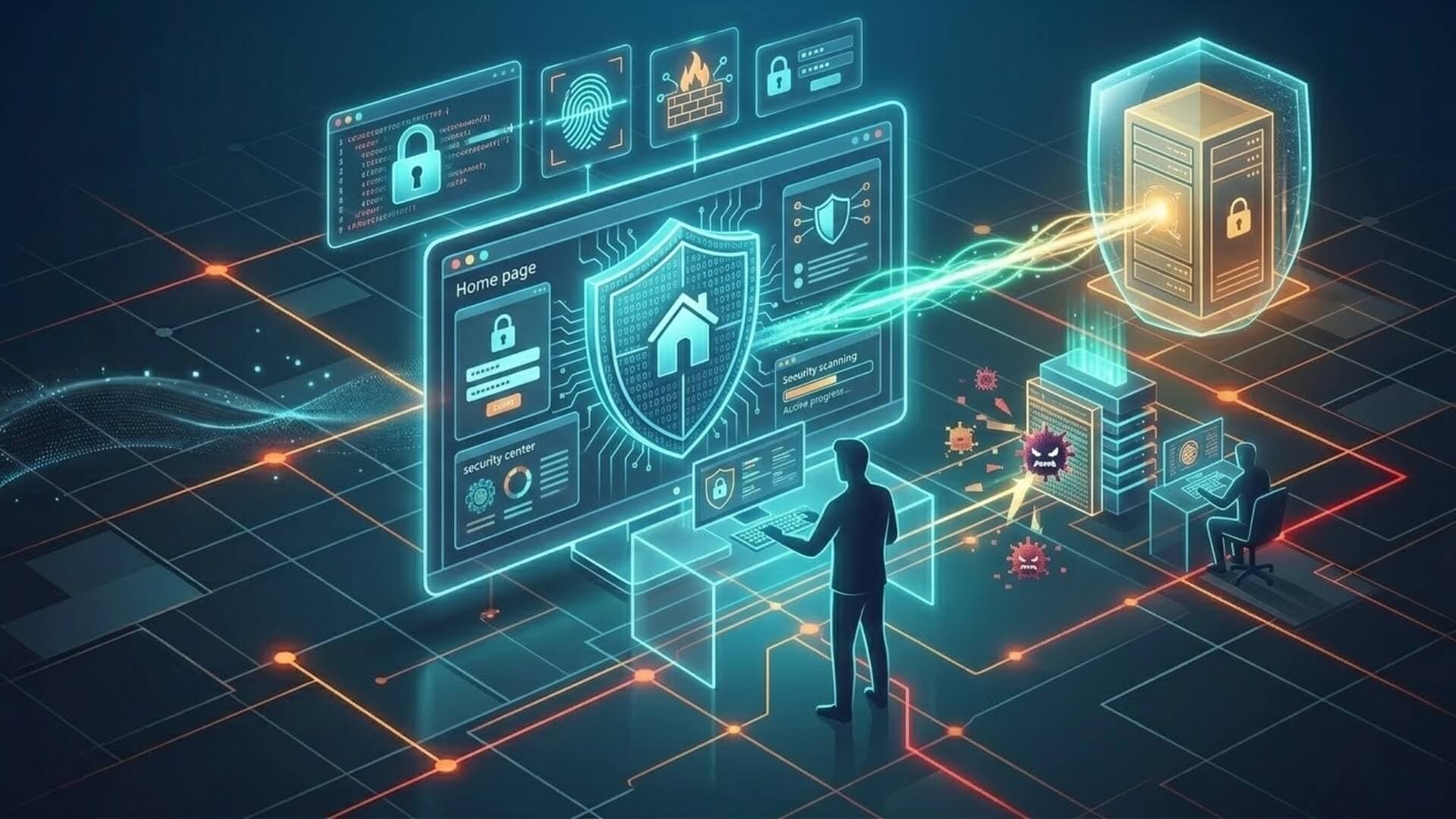
Malware is one of the most common threats in today’s digital world. Hackers use malicious software to steal data, damage systems, and gain unauthorized access to websites and computers. Many people assume malware prevention is complicated, but the reality is that effective protection often comes down to a few smart habits and reliable security tools.
With this article, you will learn how to prevent malware through 12 simple yet highly effective measures. Let’s explore them together.
Keep software and systems updatedLink to heading

Keeping your software and operating systems up to date is one of the simplest and most effective ways to prevent malware infections. Software developers regularly release updates and security patches to fix vulnerabilities that hackers could exploit. If these updates are ignored, attackers may take advantage of known security flaws to inject malicious code into your system or website.
For example, outdated content management systems, plugins, or operating systems often contain vulnerabilities that cybercriminals actively search for. If a website owner delays updating a plugin with a known security issue, attackers may exploit that weakness to install malware or gain unauthorized access.
To reduce this risk, enable automatic updates whenever possible. Regularly check for updates for your operating system, applications, website platforms, and plugins. Keeping everything updated ensures that known vulnerabilities are patched quickly, making it much harder for malware to penetrate your system.
>>> Learn more: How to tell if a website is secure: 7 Signs you must know
Install reliable antivirus and anti-malware toolsLink to heading
Using reliable antivirus and anti-malware software is a critical layer of defense against cyber threats. When understanding how to prevent malware, having trusted security tools in place is essential. These tools are designed to detect, block, and remove malicious programs before they can damage your system or compromise your data.
Modern security solutions use advanced technologies such as behavior analysis, real-time monitoring, and threat intelligence databases to identify suspicious activity. For instance, if a malicious file attempts to run on your computer, the security software can automatically detect unusual behavior and stop the process before it causes harm.
For website owners or businesses, dedicated malware scanning tools can also monitor files and detect hidden malicious code. Regular scans help identify infections early, allowing administrators to remove threats before they spread or affect visitors. Choosing reputable security software and keeping its virus definitions updated will significantly improve your overall protection against malware.
Use a firewall to block malicious trafficLink to heading

A firewall acts as a protective barrier between your system or website and potentially harmful internet traffic. It monitors incoming and outgoing connections and blocks suspicious requests that may contain malicious payloads or attempts to exploit vulnerabilities. Using a firewall is one of the most practical techniques when implementing strategies for how to prevent malware.
For example, attackers often use automated bots to scan websites for weak login pages or vulnerable scripts. A properly configured firewall can detect these suspicious patterns and block these requests. This prevents attackers from executing malicious code or launching brute-force attacks.
Websites can benefit from using a Web Application Firewall (WAF), which specifically protects web applications from common threats such as SQL injection, cross-site scripting, and malware injection. For individual users and organizations, network firewalls and host-based firewalls provide additional protection by filtering harmful traffic at the device or network level.
If you run a WordPress website, using a firewall designed specifically for this platform can significantly improve your security. W7SFW (WordPress Firewall) is a protection solution built exclusively for WordPress environments, helping block malicious requests, automated bot attacks, and common vulnerabilities before they reach your website.
>>> Enable W7SFW today to add an extra layer of protection and keep your WordPress site secure.
Scan systems regularly for malwareLink to heading
Regular malware scanning is an essential practice for detecting threats before they cause serious damage. If you want to fully understand how to prevent malware, regular scanning should be part of your routine security process. Even with strong security tools in place, malware can sometimes bypass defenses through infected downloads, compromised websites, or software vulnerabilities.
For personal computers, antivirus or anti-malware software usually includes automatic scanning features that check files, applications, and system processes for potential threats. Website owners can also use specialized malware scanning tools to monitor their website files and detect malicious code injected by attackers.
For example, a website administrator might schedule daily or weekly scans to review core files, plugins, and uploads. If a suspicious file is detected early, it can be removed before it spreads or affects website visitors.
Avoid suspicious links and downloadsLink to heading

Many malware infections begin with a simple action such as clicking a malicious link or downloading an unsafe file. Understanding this risk is an important part of learning how to prevent malware effectively. Attackers often disguise malware as legitimate content, including software updates, email attachments, or free downloads. Once the file is opened, the malware can silently install itself on the system.
To reduce this risk, always verify the source before clicking links or downloading files. Avoid opening attachments from unknown senders and be cautious with messages that create urgency, such as warnings about account problems or unexpected prizes. These are common tactics used in phishing attacks.
For example, if you receive an email claiming to contain an important document but the sender’s address looks unusual, it is safer to avoid opening the attachment. Instead, confirm the message with the sender through another trusted channel. Developing this habit can significantly reduce the chances of malware entering your system.
Use strong passwords and authenticationLink to heading
Weak passwords are one of the most common entry points for malware and cyber attacks. Learning how to prevent malware also means strengthening the way users access systems and accounts. Hackers often use automated tools to perform brute-force attacks, trying thousands of password combinations until they gain access to an account or system.
To prevent this, create strong passwords that combine uppercase and lowercase letters, numbers, and special characters. Passwords should also be unique for each account and long enough to resist guessing attempts. Using a password manager can help generate and securely store complex passwords.
In addition to strong passwords, enabling multi-factor authentication (MFA) provides an extra layer of security. With MFA, users must verify their identity using an additional method, such as a one-time code sent to a mobile device or authentication app.
Restrict user access and permissionsLink to heading

Limiting user access is an important security practice that helps reduce the risk of malware infections and unauthorized changes. In fact, controlling permissions is one of the most practical strategies when learning how to prevent malware in both personal systems and websites.
Not every user should have full administrative control over a system or website. By assigning appropriate roles and permissions, you can prevent accidental mistakes and limit the damage if an account is compromised.
A good security principle to follow is the principle of least privilege, which means users only receive the minimum level of access required to perform their tasks. For example, on a content management system such as WordPress, a content writer may only need permission to create and edit posts, while administrative privileges should be reserved for trusted administrators.
If a user account with excessive permissions becomes compromised, attackers could upload malicious files, install harmful plugins, or modify system settings. Restricting access reduces the number of potential entry points and makes it more difficult for attackers to spread malware within a system.
Regularly reviewing user accounts is also important. Remove inactive accounts, update permissions when roles change, and ensure that only authorized individuals have access to sensitive areas of the system.
Install security plugins or protection toolsLink to heading
Security plugins and protection tools provide an additional layer of defense by actively monitoring and protecting your system or website. These tools are designed to detect suspicious activity, block malicious requests, and alert administrators to potential threats. Using reliable security tools is a fundamental step in how to prevent malware from infiltrating your system.
For website owners, security plugins can offer several important features such as malware scanning, login protection, firewall rules, and real-time security monitoring. These features help detect vulnerabilities and prevent attackers from injecting malicious code into website files.
For example, a website security plugin may automatically block repeated failed login attempts, which helps prevent brute-force attacks. Some tools also monitor file integrity and notify administrators if important files are modified without authorization.
When choosing a security plugin or protection tool, it is important to select solutions from reputable developers and keep them updated. Regular updates ensure the tool can detect newly discovered threats and continue protecting the system effectively.
Backup your data regularlyLink to heading

Regular data backups are a critical part of any malware prevention and recovery strategy. Even with strong security measures in place, there is always a possibility that malware or a cyber attack could compromise your system. Having reliable backups ensures that you can quickly restore your data and minimize downtime.
Backups should be performed on a consistent schedule, depending on how frequently your data changes. For example, businesses or active websites may require daily backups, while smaller projects may only need weekly backups. It is also recommended to store backups in multiple locations, such as external storage or secure cloud services.
For instance, if ransomware infects a website and encrypts its files, a clean backup allows the administrator to restore the website to a safe state without paying a ransom. Regular backups act as a safety net, helping organizations recover quickly from security incidents while protecting valuable data.
Maintaining reliable backups is also considered a best practice when implementing strategies for how to prevent malware from causing long-term damage.
Monitor website activity and trafficLink to heading
Monitoring website activity and traffic is an important step in identifying suspicious behavior before it becomes a serious security problem. Malware attacks often leave warning signs, such as unusual traffic spikes, repeated login attempts, or unexpected changes to files and system settings. Understanding these patterns can help website owners improve their strategy for how to prevent malware attacks.
Website monitoring tools and server logs can help track important events, including login attempts, file changes, and access requests from unfamiliar IP addresses. For example, if a website suddenly receives a large number of login attempts within a short period, it may indicate a brute-force attack. Similarly, unexplained traffic from unknown locations may suggest automated bots scanning the website for vulnerabilities.
Setting up security alerts or monitoring dashboards can help administrators stay informed about abnormal behavior. Early detection allows website owners to block suspicious traffic, investigate potential vulnerabilities, and prevent malware from spreading further.
Disable unnecessary services and scriptsLink to heading

Another effective way to reduce malware risks is to disable services, plugins, or scripts that are not actively needed. Every additional feature or service installed on a system can create a potential entry point for attackers, especially if the software is outdated or poorly maintained.
For example, some websites install multiple plugins or third-party tools during development but forget to remove them later. If one of these unused plugins contains a vulnerability, attackers may exploit it to inject malware into the website. Similarly, unused server services or open ports may expose the system to unnecessary risks.
Regularly reviewing installed software and removing anything that is no longer required helps reduce the system’s attack surface. By keeping only essential services active, administrators make it more difficult for attackers to find vulnerabilities that could be used to spread malware. This approach is another practical step for those researching how to prevent malware on their websites or systems.
Educate users and employees about cyber threatsLink to heading
Human error is one of the most common causes of malware infections. Even with strong security systems in place, a single careless action, such as clicking a malicious link or downloading an infected file can compromise an entire network. Educating users and employees about common cyber threats is therefore a critical part of malware prevention.
Training programs should focus on helping users recognize phishing emails, suspicious links, and unsafe downloads. For example, employees should learn how to verify email senders, avoid opening unexpected attachments, and report suspicious messages to the IT or security team.
Regular awareness training and clear security policies help build a culture of cybersecurity within an organization. When users understand the risks and follow safe online practices, the likelihood of malware infections is significantly reduced. Combining technical protections with user education creates a stronger and more reliable defense against cyber threats.
ConclusionLink to heading
Knowing how to prevent malware is an important step toward maintaining a secure website and protecting your valuable information. By applying the 12 strategies discussed in this article, you can significantly reduce security risks. Start implementing these practices today to keep your systems protected and create a safer experience for both you and your visitors.