10 min read
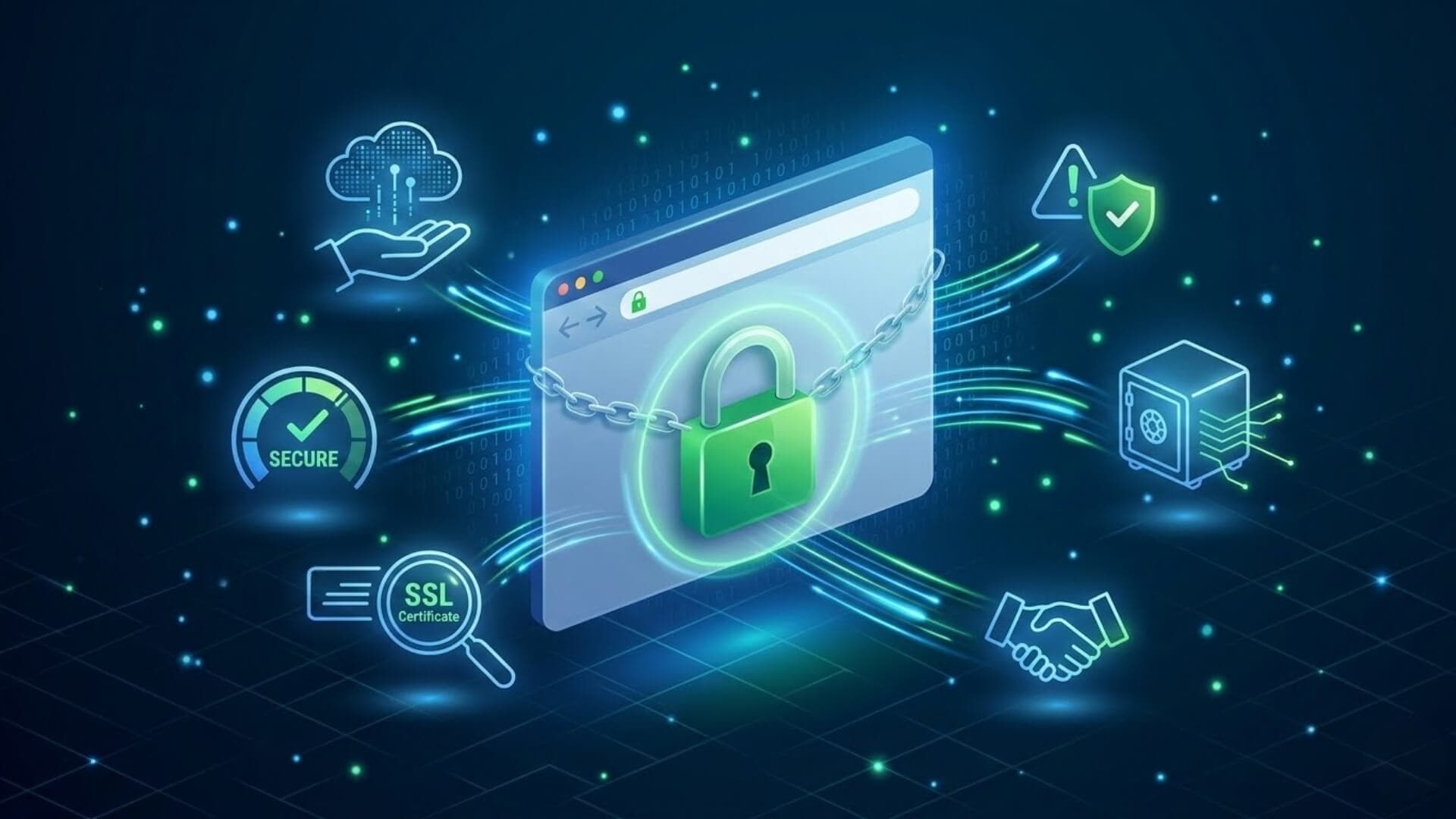
Every day, millions of people visit new websites to shop, read information, download files, or create accounts. But not every website on the internet is trustworthy. Some sites are designed to steal personal information, spread malware, or trick visitors into revealing sensitive data. That’s why learning how to tell if a website is secure is an essential skill for anyone who uses the Internet.
In this article, we will show you six simple ways to determine whether a website is truly secure or not. Let’s take a closer look!
Evaluate the URL structureLink to heading

The URL often reveals important clues about a site’s authenticity. Take a moment to read the address closely and check for unusual spelling, extra characters, or slight variations that do not match the official domain of a well-known brand.
Cybercriminals frequently create fake websites that imitate trusted companies in order to deceive visitors. These sites may appear convincing at first glance, but a closer look at the URL often exposes small spelling mistakes or altered domain names designed to mislead users. For example, a scam site might replace letters, add hyphens, or use a different domain extension to resemble the original website.
Check for an SSL CertificateLink to heading
One of the easiest ways to learn how to tell if a website is secure is by checking whether it uses an SSL (Secure Sockets Layer) certificate. An SSL certificate confirms that a website is legitimate and protects data by encrypting information exchanged between the user and the site. This encryption helps keep sensitive details such as passwords, personal information, and payment data safe from interception.
There are two clear signs that indicate a website has an SSL certificate:
- An “s” in “https” within the website address
- A padlock icon displayed next to the URL in the browser
These indicators show that the connection between your browser and the website is encrypted. When you are learning how to tell if a website is secure, checking for HTTPS and the padlock symbol should always be the first step before entering any personal information.
Modern browsers sometimes hide the beginning of the URL, which can make these indicators less visible at first glance. However, you can still view the full address by copying and pasting the URL into a new tab. In many browsers, hovering your cursor over the address bar or clicking the padlock icon will also reveal additional details about the site’s security certificate and connection status.
Pay attention to security warnings from your deviceLink to heading

Modern browsers and operating systems include built-in security systems that automatically detect suspicious or potentially harmful websites. When you attempt to visit a risky site, your device may display a warning message indicating that the page could be unsafe.
These alerts are designed to protect users from threats such as phishing pages, malware downloads, or fraudulent websites that attempt to steal personal information. If a warning appears after you enter a website address, you should pause and reconsider before continuing to the page.
Check spelling and visual qualityLink to heading
Legitimate companies usually invest time and resources into creating a professional website that reflects their brand and builds trust with visitors. As a result, their content is typically well-written, properly edited, and visually consistent.
Fraudulent websites often lack this level of attention to detail. Many scam pages contain obvious spelling mistakes, grammar errors, or awkward wording across their content. These small issues may seem minor, but they can reveal that the website was created quickly or without proper oversight.
You should also pay attention to the design elements used on the site. Low-quality graphics, reused images, or poorly designed logos can indicate that the website is not professionally managed. In many cases, scammers copy visual materials from other websites or use generic stock images to appear legitimate.
Check for the Company’s contact informationLink to heading
Legitimate businesses usually make it easy for visitors to reach them. They often display contact details such as an email address, phone number, physical address, or customer support page directly on the homepage or through clearly visible links.
Most trustworthy websites also include pages like “Contact Us,” “About Us,” or “Customer Support.” These sections help users learn more about the company and provide clear ways to communicate if questions or issues arise. Transparent contact details are a strong sign that the organization behind the website is real and willing to interact with its customers.
Fraudulent or suspicious websites tend to avoid providing this type of information. Scammers often try to remain anonymous to prevent users from tracing or reporting them. As a result, these sites may lack basic pages such as “Contact Us” or provide incomplete or fake contact details.
Avoid websites that overload you with pop-upsLink to heading

Scam websites often overwhelm visitors with constant pop-ups, aggressive ads, or suspicious links that appear across the screen. These pop-ups may attempt to trick users into downloading malware, installing unknown software, or clicking links that generate advertising revenue for the attackers.
In contrast, legitimate websites usually maintain a clean and user-friendly design. While some trusted sites may display advertisements, they rarely bombard visitors with excessive pop-ups or random download prompts. When a website immediately floods your screen with intrusive messages or unexpected links, it is often a strong sign that the site may not be trustworthy.
Scan the website with security toolsLink to heading
Using online security scanners is another reliable method when learning how to tell if a website is secure. These tools analyze a website for potential threats such as malware, phishing content, suspicious scripts, or blacklist status. By scanning a site before interacting with it, you can quickly identify possible security risks and avoid visiting dangerous pages.
Several trusted tools can help you check the safety of a website. For example, security scanners like System443, VirusTotal, Sucuri SiteCheck, and Norton Safe Web allow users to enter a website URL and receive a security report within seconds. These platforms examine the site against multiple security databases and threat intelligence sources to detect known malicious activity.
ConclusionLink to heading
In conclusion, staying safe online requires both smart technical checks and careful attention to detail. Learning how to tell if a website is secure helps you recognize the warning signs of unsafe pages and make better decisions while browsing. No single indicator can guarantee that a website is completely safe, which is why combining several verification methods is the most reliable approach.
By taking a few moments to review key security signals before entering personal details or making a purchase, you can greatly reduce the risk of falling for scams or malicious websites. Your personal data and digital identity are valuable assets, protect them by interacting only with websites that demonstrate clear signs of security and trust.
>>> Interested in learning more about website protection? The W7SFW blog has many useful guides waiting for you.