10 min read
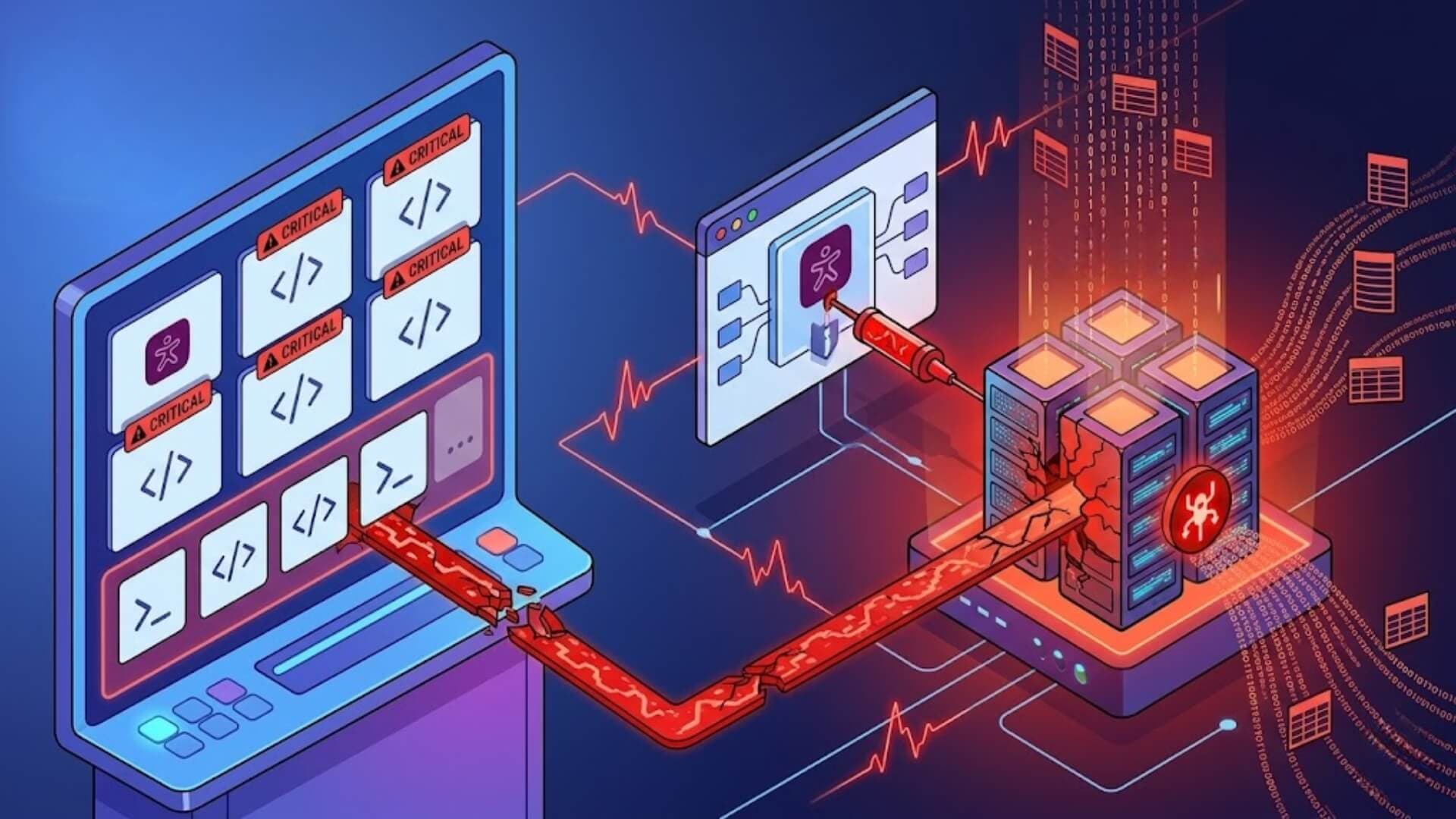
A critical security vulnerability identified as CVE-2026-2413 has been discovered in the Ally WordPress plugin. This is an unauthenticated SQL Injection vulnerability that may expose sensitive data stored in the database under certain conditions. As a result, hundreds of thousands of websites using the Ally plugin may be at risk.
Although not every environment is affected, the impact can be severe when the exploitation conditions are met. Keep reading to understand the root cause, the conditions under which the issue can be exploited, and the steps you should take immediately to protect your website.
What is the Ally plugin?Link to heading

Ally is a plugin developed by Elementor to help improve website accessibility. It makes websites more user-friendly by offering features such as improved content readability, keyboard navigation support, screen reader compatibility, and guidance for identifying and fixing accessibility issues.
Because of these features, Ally is used across many WordPress websites worldwide. The plugin currently has more than 400,000 active installations.
The CVE-2026-2413 vulnerability affects Ally version 4.0.3 and earlier, and it has been fully patched in version 4.1.0.
>>> Learn more: CVE-2026-3098: Critical vulnerability threatens over 800,000 Smart Slider 3 WordPress sites
The nature of the vulnerabilityLink to heading
CVE-2026-2413 is a SQL Injection flaw. This type of vulnerability occurs when user-supplied data is inserted directly into a database query without being properly handled. In this case, an attacker may exploit the flaw to interfere with SQL queries and attempt to extract information from the database.
According to the technical description, the issue lies in the get_global_remediations() method. This method processes a user-provided URL and inserts it directly into part of an SQL JOIN statement. Although the esc_url_raw() function is used, it only validates and sanitises the URL format. It is not sufficient to prevent SQL Injection.
In other words, even if a value looks like a valid URL, that does not mean it is safe to use in a database query.
What can an attacker do?Link to heading
Under the right conditions, an attacker may perform a time-based SQL Injection attack to infer information from the database. This technique relies on analysing the system’s response time to deduce internal data. The impact can be serious, as sensitive information such as password hashes may be exposed in some cases.
What makes this vulnerability especially dangerous is that it does not require authentication, can be exploited remotely, and may be automated for large-scale attacks.
Are all websites using Ally affected?Link to heading

Not every website running Ally can be exploited immediately. An attack is only possible when all of the following conditions are met:
- The site is running version 4.0.3 or earlier.
- The Remediation feature is enabled.
- The plugin is connected to an Elementor account.
This means that simply checking whether the plugin is installed is not enough. A website may use Ally without being vulnerable if one of these conditions is not present. From a security perspective, what matters is the actual operating state, not just the list of installed plugins.
Why is this vulnerability still considered high risk?Link to heading
At present, there are no confirmed reports of large-scale exploitation. However, the vulnerability is still considered dangerous for several reasons: it does not require login access, it can be exploited remotely, it is suitable for automated attacks, and the plugin has a very large install base of more than 400,000 websites.
According to information cited by BleepingComputer, only about 36% of websites have upgraded to version 4.1.0. If that figure is accurate, it suggests that a large number of websites may still be running a vulnerable version.
In practice, vulnerabilities like this often become a priority target for attackers because they are easy to scale and do not require much effort to exploit.
What should you check in your system?Link to heading
Many webmasters assume that updating WordPress core is enough to fix security vulnerabilities. In reality, this issue is located in the plugin, not in the WordPress core. The recent WordPress releases 6.9.2, 6.9.3, and 6.9.4 are not related to CVE-2026-2413.
This is also why WordPress security must always be viewed as a whole: core, plugins, themes, and the hosting environment all need to be managed separately.
To keep your website secure, technical teams should check the following items individually:
- Has the Ally plugin been updated to version 4.1.0 or later?
- Has the WordPress core been updated to version 6.9.4?
Remember: updating one part of the system does not automatically mean the entire site is fully secure.
Recommendations for website administrators and security teamsLink to heading

If your website is using Ally, you should prioritize checking the following points:
- Identify the plugin version: Check which version of Ally is currently installed. If it is version 4.0.3 or earlier, update it immediately to 4.1.0 or later.
- Check the Remediation feature: If this feature is enabled, it should be treated as a potential risk factor that requires closer attention.
- Verify the connection to an Elementor account: Since the vulnerability can only be exploited when the plugin is linked to an Elementor account, this is a critical condition that must be confirmed.
- Update the WordPress core: Although this does not directly patch the vulnerability, keeping WordPress core up to date remains essential for reducing the risk of other security issues.
- Assess the actual exposure level: Not every website using the plugin is affected in the same way. It is important to review the real configuration to determine whether the system is actually vulnerable.
W7SFW – Effective website protection before the vulnerability is exploitedLink to heading
Updating the plugin is necessary, but it is not always possible to do immediately. This is where a proactive security solution becomes essential.
W7SFW (WordPress Firewall) is designed as an independent firewall layer that works outside the website itself. Instead of modifying the source code or being installed as another plugin, it filters and blocks malicious requests before they can reach WordPress.
One of W7SFW’s biggest advantages is its simplicity. Users do not need to edit code, deal with complex settings, or have deep technical knowledge. It is designed so that any website administrator can activate and use it quickly.
In addition, because it does not depend on the internal plugin ecosystem, W7SFW is far less likely to cause conflicts with other components on the website. This is especially important in WordPress environments, where plugin conflicts often lead to errors or service disruptions.
Another major benefit is its stable operation even when WordPress or plugins are updated. Since it does not modify the core system, W7SFW continues to provide continuous protection without being affected by internal website changes.
ConclusionLink to heading
The CVE-2026-2413 vulnerability in the Ally plugin is another reminder that WordPress security is not only about updating versions, but also about how the entire system is managed and operated. Even a widely used plugin with hundreds of thousands of installations can become a serious weakness if it is not properly controlled.
To stay protected, administrators should update the plugin to the latest version as soon as possible and check the specific exploitation conditions within their environment. In addition, deploying a proactive protection layer such as an external firewall can help reduce risk during the period before a fix is applied.