10 min read
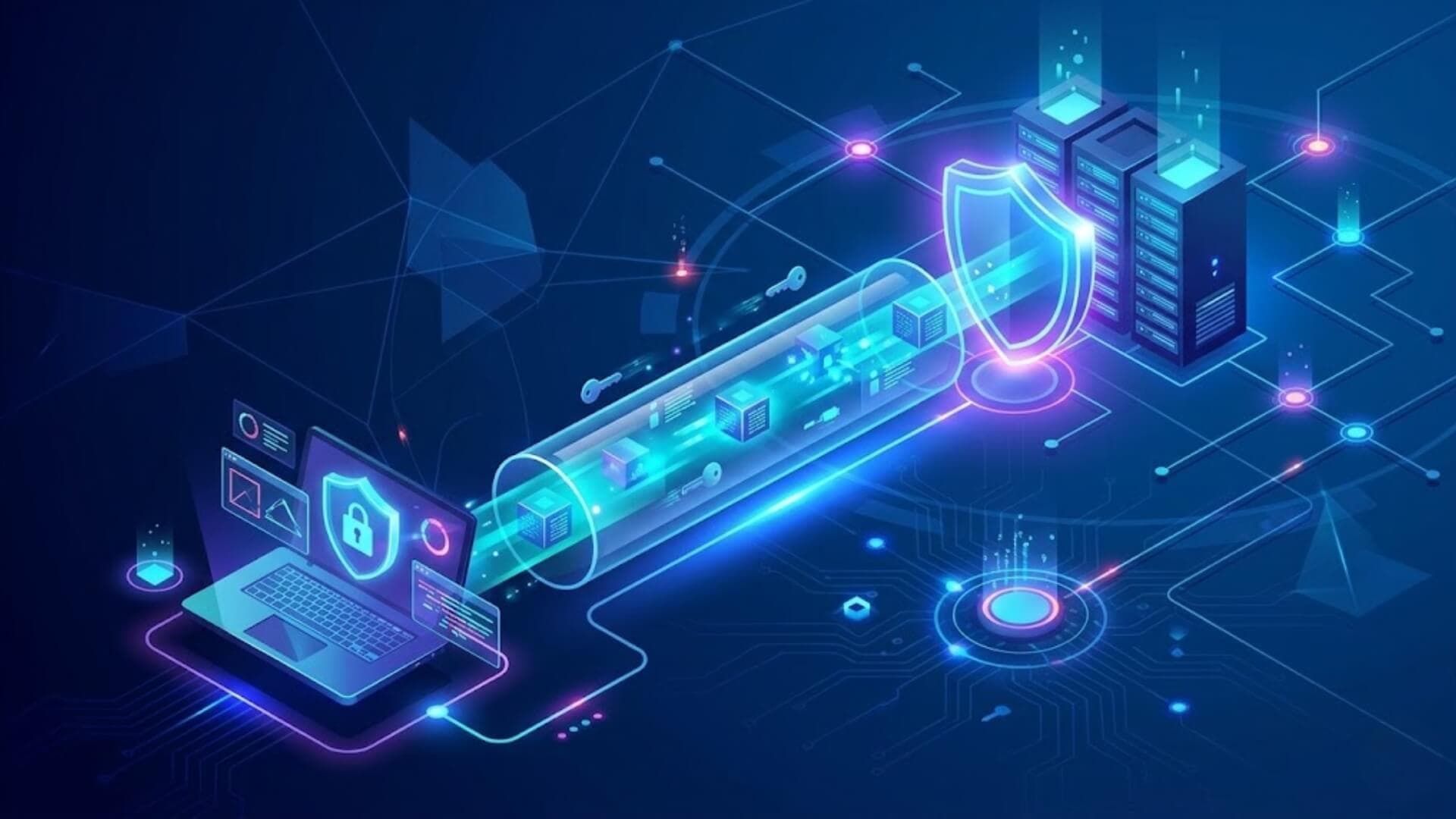
SSH is one of the most common protocols used to manage servers and systems over a network. It allows users to connect to remote machines, run commands, transfer files, and perform administrative tasks through an encrypted connection. Because it protects data from interception, SSH has become the standard method for remote access in Linux, cloud, and hosting environments.
If you are new to server management, you may wonder: what is SSH and why is it so widely used? This guide explains how SSH works, the benefits it provides, its common use cases, and the limitations you should understand before using it.
What is SSH?Link to heading

The Secure Shell (SSH) protocol is a network protocol that enables users to send commands and access computers securely over an unsecured network. SSH relies on cryptographic techniques to verify identities and encrypt communication between devices, helping protect data from unauthorized access.
In addition to secure remote access, SSH supports tunneling, also known as port forwarding, which allows data packets to travel across networks through routes they would not normally be able to use. SSH is widely used for remote server administration, infrastructure management, and secure file transfers.
A simple way to understand SSH is to compare it to a business owner managing a store while away. The owner can communicate with employees from a distance and provide instructions to keep operations running smoothly. In the same way, SSH enables system administrators to manage servers and devices remotely.
Earlier remote access protocols, such as Telnet, transmitted commands in plain text, making them visible to anyone monitoring the network. It is similar to placing a phone call on speaker so that everyone nearby can hear the conversation. SSH solves this problem by encrypting communications, which is why it is known as Secure Shell.
>>> Learn more: What is File Transfer Protocol (FTP) and how does it work?
What does SSH do?Link to heading
Remote encrypted connections: SSH creates a secure connection between a user's device and a remote machine, usually a server. All data sent through the connection is encrypted before transmission. If a third party intercepts the traffic, they will only see unreadable data rather than the original information. Without the correct decryption keys, the intercepted data is extremely difficult to decipher, making SSH a trusted method for remote access.
Understanding what is SSH helps explain why organizations rely on it to protect remote administration and sensitive communications across networks.
The ability to tunnel: In computer networking, tunneling is a technique that allows data packets to pass through a network using a path or protocol that would not normally be available. This is achieved by adding extra information, known as headers, to the packets so they can be routed differently.
SSH tunneling uses a feature called port forwarding to securely move traffic from one device to another. SSH port forwarding is discussed in greater detail below.
>>> Learn more: What is User Datagram Protocol (UDP)? How does UDP work?
How does SSH work?Link to heading

TCP/IPLink to heading
To understand what is SSH, it is important to know that SSH operates on top of the TCP/IP protocol suite, which serves as the foundation for most Internet communications. TCP/IP is responsible for transmitting and delivering data packets between devices across networks. SSH relies on TCP to establish stable and reliable connections, which helps ensure that data reaches its destination correctly.
This is one of the main differences between SSH and some other tunneling protocols that use UDP, a faster but less reliable transport protocol.
Public key cryptographyLink to heading
SSH provides security through encryption and authentication using a method known as public key cryptography. This system uses two related keys: a public key and a private key. The public key can be shared openly and used by anyone, while the private key remains confidential and is accessible only to its owner. Since the two keys are mathematically linked, proving ownership of the public key requires possession of the matching private key.
These keys are known as asymmetric keys because they are different from one another. They also enable both sides of an SSH connection to create and exchange shared symmetric keys that will be used for encrypting data during the session. After this process is complete, all information transmitted between the two devices is protected using the negotiated symmetric encryption keys.
When learning what is SSH, public key cryptography is one of the most important concepts to understand because it forms the basis of SSH authentication and encryption.
In an SSH session, both the client and the server maintain their own public and private key pairs. Each side can verify the identity of the other through these keys before communication begins. This approach differs from HTTPS, which in most cases only verifies the identity of the server. In addition, HTTPS is mainly designed for web traffic, while SSH allows users to access and control a remote system through its command-line interface.
Network administrators may also block SSH traffic in some environments, whereas HTTPS traffic is rarely restricted.
AuthenticationLink to heading
Although public key cryptography verifies the devices involved in the connection, users still need to authenticate themselves before gaining access to a remote system. In many cases, this requires entering a valid username and password, although key-based authentication can also be used.
After successful authentication, users can run commands, manage files, and perform administrative tasks on the remote machine as if they were working directly on that system.
SSH port forwarding, or "tunneling"Link to heading

Port forwarding can be compared to relaying a message through an intermediary. One person sends a message to another, who then passes it on to the final recipient. In the same way, SSH port forwarding redirects data packets that are sent to a specific IP address and port on one device to a different IP address and port on another device.
For example, an administrator may need to access a server located inside a private network from a remote location. For security reasons, that server may only accept connections from devices within the internal network. To reach it, the administrator can first connect to a second server that is accessible from the Internet and located within the same private network.
SSH port forwarding can then be used to securely route traffic to the protected server. From the target server's perspective, the connection appears to originate from inside the private network.
This capability is another reason why discussions about what is SSH often include tunneling and secure remote access.
Using SSHLink to heading
Most Linux and macOS systems include SSH support by default. Users can open the Terminal application and run SSH commands without installing additional software. On Windows systems, an SSH client may need to be installed, although recent versions of Windows also include built-in SSH functionality. Once configured, users can connect to remote systems and manage them through the command line.
What is SSH used for?Link to heading
In theory, SSH can carry almost any type of data across a network. Through SSH tunneling, administrators and users can create secure pathways for many different networking tasks. However, SSH is most commonly used for the following purposes:
- Remotely administering servers, network infrastructure, and employee workstations
- Securely transferring files between systems, offering stronger protection than unencrypted protocols such as FTP
- Accessing cloud-based services without exposing local machine ports directly to the public Internet
- Connecting to systems and services located within private networks from remote locations
- Circumventing certain network or firewall restrictions through secure tunneling
Data encryption techniques used in SSHLink to heading

Symmetric encryption: Symmetric encryption uses the same key to both encrypt and decrypt data. SSH uses this method to secure the connection between a client and a server. Both sides agree on an encryption algorithm and a shared secret key, which then encrypts and decrypts all data sent over the session. This approach is fast and keeps data transfer efficient.
Understanding what is SSH requires understanding how symmetric encryption protects data after a secure connection has been established.
Asymmetric encryption: Asymmetric encryption, also called public-key cryptography, uses two separate keys. In SSH, the server generates a key pair: one public, one private. The server keeps the private key and shares the public key with the client. When the client initiates a connection, it encrypts a random session key using the server's public key and sends it over.
The server decrypts it with its private key. That session key then becomes the basis for symmetric encryption going forward.
Hashing: Hashing converts data of any size into a fixed-length output. It is a one-way process, meaning the output cannot be reversed to reveal the original data. SSH uses hashing to verify that data arrives intact. If the hash on the receiving end matches the hash on the sending end, the data has not been altered in transit. Common hashing algorithms used in SSH include SHA-1 and SHA-256.
When exploring what is SSH, hashing is another important component because it helps maintain data integrity throughout the communication process.
Compression: Compression reduces the size of data before it travels across the network. SSH applies compression to speed up data transfer, which is useful on slow or high-latency connections where large amounts of data need to move quickly.
What port is SSH?Link to heading
SSH uses port 22 as its default communication port. In many network environments, firewalls restrict access to specific ports while leaving port 22 available for remote administration. Because of this, SSH can be used to reach systems that are protected behind a firewall. Traffic sent to port 22 is often allowed through, and SSH can then forward that traffic to another destination or service running on a different port.
Are there any security risks associated with SSH?Link to heading

Because SSH access typically comes with elevated privileges, like installing applications, deleting files, or extracting data, it becomes a serious threat when it falls into the wrong hands. Attackers have used SSH to steal private data, create backdoor access into secured networks, and gain root control over servers.
SSH can also bypass firewalls that leave port 22 open, which many do by default. This gives attackers a path into networks that appear locked down from the outside.
Stolen SSH keys are another major risk. For large organizations running thousands of servers, key management is a real problem. Tracking and rotating keys manually is not realistic at scale. SSH keys do not expire on their own. They stay valid until someone explicitly revokes them. If an attacker gets hold of a key, they can maintain access for months or years without detection.
Understanding what is SSH also means understanding the security risks that come with poor key management and weak access controls.
How does SSH contrast with other tunneling protocols?Link to heading
One key difference is the OSI layer each protocol operates on. GRE, IP-in-IP, and IPsec work at the network layer, meaning they operate between IP addresses and have no concept of ports. SSH is generally classified as a layer 7 application layer protocol, placing it alongside HTTP, FTP, and SMTP.
SSH also relies on TCP, a transport layer protocol that guarantees packet delivery in order. UDP, the other major transport protocol, skips delivery confirmation to move faster, but packet loss is a trade-off. IPsec uses UDP exclusively, which makes IPsec tunnels faster than SSH tunnels but less reliable. GRE and IP-in-IP support both TCP and UDP.
Finally, SSH encrypts only the traffic from a single application at a time. IPsec encrypts all network traffic regardless of its source. This distinction is why SSH is not used to build VPNs.
ConclusionLink to heading
SSH remains one of the most trusted protocols for secure remote access and server management. Understanding what is SSH, how it works, and where it fits within modern network infrastructure is an important step for anyone managing servers, cloud environments, or enterprise networks.
When implemented with proper security practices, SSH provides a reliable and secure way to access, manage, and transfer data across networks.
>>> What if attackers discover a vulnerable plugin before you have time to update it? W7SFW provides an additional layer of protection that helps reduce the risk of exploitation attempts against WordPress sites.