10 min read
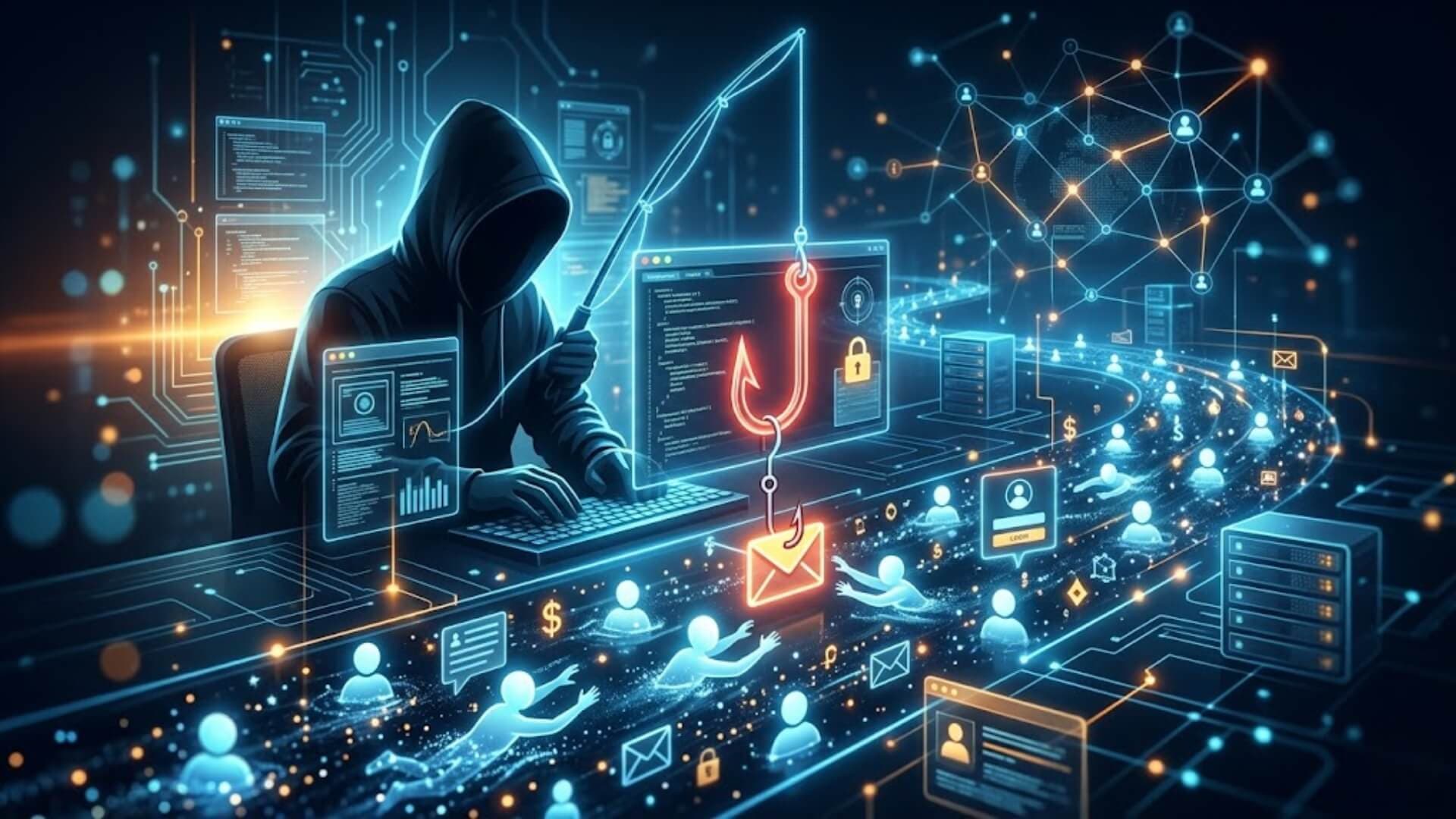
Every day, millions of people fall victim to online scams without even realizing it. Fraudsters use deceptive emails, fake websites, and messages to trick users into sharing passwords, credit card numbers, or personal information. But what is phishing, exactly, and how can you protect yourself from these online threats?
In this article, we’ll explore the concept of phishing, show you real-life examples, and provide practical tips to identify and prevent these attacks before they compromise your sensitive data.
What is phishing?Link to heading

What is phishing? It is a common cybersecurity threat that targets individuals through email, text messages, or direct messaging apps. In these attacks, cybercriminals pretend to be a trusted contact or organization to trick users into sharing sensitive information. Their goal is to steal data such as login credentials, credit card numbers, and financial account details.
Phishing is a form of social engineering where attackers craft realistic-looking messages to gain the victim’s trust, making it more likely they will disclose personal information. Understanding what is phishing and how it works is essential for protecting your accounts and personal data from these deceptive scams.
How does phishing work?Link to heading
In a typical phishing attack, a cybercriminal collects the contact information of one or more targets and sends phishing messages through email or text. These messages often create a sense of urgency, prompting victims to click links or share sensitive information. Similar social engineering tactics are used in swatting, where attackers manipulate victims into revealing personal data that can be misused in false emergency reports.
If a victim clicks a link in a phishing message, they are usually directed to a fake website designed to steal personal information or access restricted accounts. Cybercriminals combine several tactics to make these attacks convincing:
- Using email addresses that appear legitimate, often mimicking trusted company domains
- Creating websites that closely resemble real businesses
- Writing clean, professional emails with accurate grammar, logos, and branding
A common example of phishing involves a fake website posing as a bank or financial institution. Victims enter their login details, unknowingly giving attackers access. Hackers can then use these credentials themselves or sell them. Monitoring emails carefully and reporting anything suspicious to IT is essential.
Common phishing techniquesLink to heading
- Impersonation: Attackers pretend to be trusted figures, like a CEO or finance officer, to trick users into sharing information.
- Fake login pages: Victims are redirected to websites that look authentic and asked to enter sensitive information.
- Spoofed emails and malicious links: Slightly altered email addresses make messages appear real, while links or attachments steal data.
- Urgency or fear tactics: Phishing messages often pressure users to act quickly, increasing the chance of sharing sensitive information or performing unauthorized transactions.
- Social engineering: Personal information from social media or previous breaches helps attackers create highly convincing, targeted messages.
- QR code phishing (quishing): Attackers include QR codes in emails or flyers. Scanning these codes can lead to fake websites or malware downloads.
Understanding what is phishing is crucial to protecting yourself and your organization. Recognizing suspicious messages, verifying sources, and using caution with links or attachments can prevent these attacks. By staying informed about phishing methods, users can safeguard their personal and financial data from cybercriminals.
Types of phishing attacksLink to heading

Phishing attempts have grown more advanced as cybercriminals develop new ways to steal sensitive data or deliver malware. Understanding the main types helps individuals and organizations protect themselves. Here’s a detailed look at the most common phishing attacks.
Spear phishingLink to heading
Unlike broad, spam-based email campaigns that target large groups, spear phishing focuses on specific individuals within an organization. Attackers carefully gather personal and professional details, such as the victim’s name, job title, or contact information, to craft highly convincing messages. These emails appear legitimate and familiar, increasing the chances that the recipient will trust the sender.
Spear phishing typically requires time, research, and resources, making it a more advanced and targeted approach to phishing.
WhalingLink to heading
Whaling is a specialized form of spear phishing aimed at high-level executives, such as CEOs or senior managers. These individuals often have direct access to confidential business data, making them valuable targets. Because the potential payoff is significant, attackers invest considerable effort into planning these campaigns.
Understanding what is phishing at this level highlights how cybercriminals prioritize high-value victims for maximum impact.
Business Email Compromise (BEC)Link to heading
Business Email Compromise attacks involve impersonating trusted figures within an organization, usually senior executives. The goal is to manipulate employees, partners, or customers into transferring money to fraudulent accounts. These scams rely heavily on trust and authority, making them particularly dangerous.
BEC attacks have been recognized as one of the most financially damaging forms of cybercrime, demonstrating how effective phishing can be when combined with social engineering.
Clone phishingLink to heading

In clone phishing, attackers duplicate a legitimate email that the victim may have previously received, such as a notification from a bank or service provider. They then replace the original links or attachments with malicious ones while keeping the rest of the message nearly identical. Often, the email appears to come from a familiar or trusted address, making it difficult to detect.
This technique reinforces the importance of understanding what is phishing beyond obvious warning signs.
Vishing (Voice phishing)Link to heading
Vishing uses phone calls instead of emails to deceive victims. Attackers may spoof the caller ID to display the number of a trusted organization, such as a bank or government agency. During the call, they impersonate officials and use urgency, fear, or authority to pressure victims into providing sensitive information or making payments.
In some cases, victims receive voicemails prompting them to call back, where they are then tricked into sharing personal data.
SnowshoeingLink to heading
Snowshoeing is designed to bypass traditional spam filters. Instead of sending a large number of emails from a single source, attackers distribute small volumes of messages across multiple domains and IP addresses. This scattered approach makes it harder for filtering systems to detect and block the activity quickly. As a result, some malicious emails reach users’ inboxes before security systems can respond effectively.
Angler phishingLink to heading
Angler phishing targets users through social media platforms rather than email or phone calls. Attackers pose as customer support representatives and contact individuals directly through messages or comments. They may provide fake assistance, share harmful links, or request sensitive information.
This method can be highly convincing, even fooling experienced users. It highlights how what is phishing extends beyond traditional channels into modern digital environments.
How to identify a phishing attemptLink to heading

Treat every email as a possible phishing attemptLink to heading
When thinking about what is phishing, the safest mindset is to assume that any unexpected email could be malicious. That may sound strict, but it helps users stay alert and avoid making quick mistakes. Do not rely only on your organization’s spam filter or basic email security tools, because they may not stop every advanced attack.
Some companies now use zero-trust network access (ZTNA) to protect private applications and reduce exposure to internet-based threats. Still, user awareness remains one of the strongest defenses.
>>> Learn more: Best zero trust solutions for advanced threat protection
Check and verify the sender’s addressLink to heading
A key part of understanding what is phishing is learning how to inspect the sender carefully. Always review the “From” address before opening or replying to an email, especially if it appears to come from a bank, payment provider, retailer, or government agency. This is even more important when the message arrives at a work email that normally does not receive that type of contact.
A real business email should match the expected domain and look consistent with previous communication.
Read the message carefullyLink to heading
Open the email and read it slowly. A phishing message often contains signs that something is not right. Ask yourself whether the message feels urgent, whether it is offering something that seems too good to be true, and whether you even have an account with the company that is contacting you. These questions are central to identifying what is phishing in everyday use. If anything feels unusual, suspicious, or out of place, do not take any further action.
Watch for grammar, spelling, and formatting problemsLink to heading
Another useful clue is the quality of the writing. Poor grammar, spelling mistakes, awkward phrasing, and inconsistent formatting can all point to a scam. Legitimate emails from banks, credit card companies, payment services, or tax authorities are usually written in clear, professional English and follow a consistent style. If the tone, wording, or layout does not match what you normally see from that organization, the email may be a phishing attempt.
Look closely at how you are addressedLink to heading
A common sign of what is phishing is the use of generic greetings or vague personal references. Trusted companies that already know you usually address you by name rather than with a broad phrase such as “Dear Madam” or “Dear Customer”.
If an email from a company you know does not use your name, or seems impersonal in a way that feels unusual, it should raise concern. Small details like this can help you judge whether the message is legitimate.
Pay attention to strange requestsLink to heading
Review the message for any request that seems unusual, urgent, or unnecessary. Many phishing emails try to push the recipient into clicking a link, replying quickly, or sharing sensitive information right away. That pressure is often part of the scam.
When learning what is phishing, it helps to remember that legitimate organizations rarely demand immediate action without a clear reason. If the request seems odd or overly urgent, treat it as suspicious.
Inspect links and attachments before opening themLink to heading
Scammers often want victims to click on links or open attachments. That is how malware can be installed or sensitive data can be stolen. To check a link, hover your mouse over it and look at the destination URL, which usually appears in the lower-left corner of the screen. If the address is long, unfamiliar, or uses a domain that does not match the company name, do not click it. Attachments deserve the same caution.
Even a file that looks harmless, such as a PDF called “Monthly Report”, could still contain malware. Never download or open attachments unless you are confident they are safe.
What happens if you fall for phishing?Link to heading

Data theft & identity theftLink to heading
Phishing often aims to steal personal information, including login credentials, social security numbers, or other sensitive data. Once attackers gain access, they can commit identity theft, using stolen information to open accounts, make purchases, or access confidential systems. Victims may face long-term challenges restoring their identity and preventing further misuse.
Financial lossLink to heading
Phishing attacks frequently target financial information, such as bank accounts or credit card details. Victims can lose money directly through unauthorized transactions or indirectly if attackers gain access to corporate payment systems. Even small lapses can lead to significant losses, especially in business email compromise scenarios.
Business security breachesLink to heading
When employees fall for phishing within an organization, it can compromise corporate networks and sensitive data. Attackers may gain access to intellectual property, client records, or internal communications. Such breaches can disrupt operations, damage trust, and result in regulatory penalties.
How to prevent phishing attacksLink to heading
Phishing attacks target people as much as technology, making both user awareness and security measures essential. Preventing these attacks requires a combination of training, policies, and technical tools. Here’s a clear breakdown of effective strategies:
Security awareness training and strong policiesLink to heading
- Teaching staff how to identify phishing signs in emails, texts, and social messages.
- Providing simple ways to report suspicious messages to IT or security teams.
- Establishing rules that make phishing less effective, such as prohibiting monetary transfers or sharing sensitive information via email.
- Encouraging verification of requests using trusted channels, like typing a URL directly into a browser instead of clicking a link, or calling a colleague’s office line instead of replying to an unknown message.
These measures help employees respond confidently and prevent attackers from exploiting trust.
Using anti-phishing tools and technologyLink to heading

Organizations can strengthen defenses by using a variety of technical solutions:
- Email security and spam filters: Identify phishing emails using data from known scams and machine learning, redirecting suspicious messages to secure folders.
- Antivirus and anti-malware software: Detect and neutralize malicious files or code contained in phishing emails.
- Multifactor authentication (MFA): Adds an extra layer of account protection. Even if passwords are stolen, a second factor like a one-time code or fingerprint prevents unauthorized access.
- Endpoint security (EDR & UEM): Advanced security solutions use AI to watch devices, identify phishing attempts, and stop malware before it can spread.
- Web filters: Warn users before they access known malicious websites, reducing the risk if a phishing link is clicked.
- Enterprise cybersecurity platforms (SOAR & SIEM): Automate the detection and response to suspicious activity, helping to stop phishers attempting malware installation or account takeovers.
Combining training and technologyLink to heading
The most effective phishing prevention strategy combines employee education with technical safeguards. While tools reduce exposure to malicious content, well-informed staff can recognize suspicious activity and act immediately, preventing potential breaches.
ConclusionLink to heading
Phishing remains one of the most common and dangerous online threats. Knowing what is phishing and how it works empowers you to detect scams before they cause harm. Combine careful inspection of messages, employee awareness, and technical defenses such as email security, endpoint protection, and MFA to reduce risk.
Discover more useful articles on the W7SFW blog to stay updated with the latest cybersecurity knowledge.