10 min read
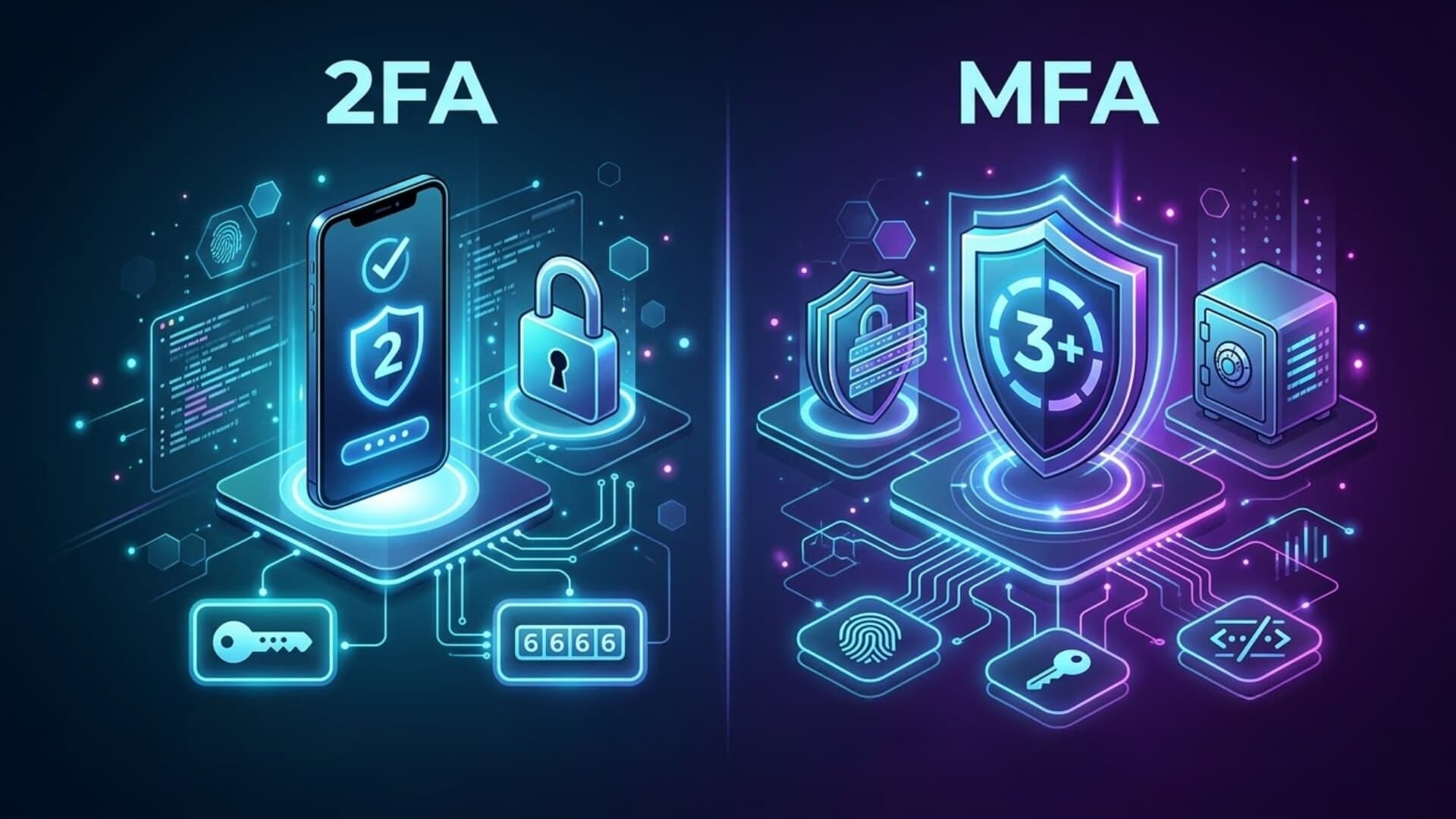
Cyber threats are evolving faster than ever, making account protection a top priority. Many users rely on 2FA, while others prefer the advanced layers of MFA. But which is actually more secure? In this article, we will explore the differences between 2FA vs MFA to see which method provides the highest level of security.
What is Two-Factor Authentication?Link to heading

Two-Factor Authentication, as the name suggests, requires two separate elements to verify a user’s identity. The first is a password, something the user knows. The second factor can be a device, like a smartphone or a security token, or any item or information that only the user has access to.
This second factor isn’t limited to physical devices. It can be a code sent via email or text, or even an answer to a security question known only to the user. Its purpose is to ensure that only the rightful person can complete the authentication process, providing an extra layer of protection beyond the password.
Adding a second factor significantly enhances security. When examining the differences between 2FA vs MFA, it is clear that 2FA can create a much stronger barrier for hackers, even if a password has already been compromised. This is a simple yet effective solution for preventing unauthorized access and improving the overall safety of an account.
>>> See more: The truth about attacks bypassing two-factor authentication
What is Multi-Factor Authentication?Link to heading
Multi-Factor Authentication (MFA) is a security method that requires users to provide multiple forms of verification before accessing systems or data. Unlike simple password-only methods, MFA combines different authentication factors, such as a password, a one-time confirmation code, and biometric data like fingerprints or facial recognition.
This layered approach ensures that users must prove their identity through several independent sources, making unauthorized access far more difficult.
Types of MFALink to heading
Before comparing 2FA vs MFA, categorizing authentication factors helps provide a clearer understanding.
Knowledge factor
This is something the user knows, like a password, PIN, or answers to security questions. While simple to use, these can be compromised through observation, phishing, or technical attacks, making them less secure on their own.
Possession factor
This involves something the user owns, such as a hardware security key, smart card, mobile app, or one-time password (OTP) token. Verification requires physical access to the device, creating a barrier for attackers and significantly improving security compared to just a knowledge factor.
Inherence factor
Also called biometric authentication, this relies on who the user is, fingerprints, facial recognition, iris scans, or voice patterns. These unique personal traits are extremely difficult to replicate or use remotely, offering a high level of protection.
Context factor
This factor uses situational data, such as user location or network access. For example, logging in from a company’s secure internal network may require fewer checks, while external connections need additional verification. Context-based authentication adds an adaptive layer to MFA.
Key differences between 2FA vs MFALink to heading

2FA vs MFA are both methods of multi-factor authentication, but they differ in scope and security. 2FA requires exactly two authentication factors, typically a password plus one additional method. MFA, on the other hand, uses two or more factors, two, three, or even more, to verify a user’s identity. While 2FA is technically a type of MFA, not all MFA setups qualify as 2FA.
In 2FA, the second factor doesn’t have strict requirements. Users can combine similar types of factors, such as a password (knowledge factor) with a security question or code (also a knowledge factor). This approach, sometimes called Two-Step Verification (2SV), is essentially another form of MFA, allowing convenience but offering limited protection if the factors are not independent.
True MFA requires each authentication factor to be independent. Even with only two factors, they must come from different categories to ensure robust security. For example, a user might enter a password (knowledge factor), then verify their identity with a fingerprint (inherence factor) through a mobile push notification (possession factor). This separation ensures that access remains secure even if one factor is compromised.
Relying on multiple factors through the same device, however, can increase risk if the device is lost, stolen, or infected with malware. To achieve higher levels of security, MFA encourages using a diverse network of authentication methods, distributing factors across devices and categories. Understanding the differences in 2FA vs MFA helps users and organizations implement stronger protection while reducing vulnerabilities.
2FA vs MFA: Advantages and disadvantagesLink to heading
Advantages and disadvantages of 2FALink to heading
Advantages
- Easy to implement and use: 2FA is widely adopted because it is simple to set up and user-friendly. Most platforms support basic methods such as SMS codes or authenticator apps, making it accessible even for non-technical users.
- Adds a strong layer beyond passwords: Passwords alone are vulnerable to phishing, brute force attacks, and data leaks. By requiring a second factor, 2FA significantly reduces the risk of unauthorized access.
- Low cost and quick deployment: For individuals and small businesses, 2FA offers a cost-effective way to improve security without requiring complex infrastructure or advanced systems.
- Broad compatibility: 2FA works seamlessly across websites, mobile apps, and cloud services, making it a practical baseline security standard.
Disadvantages
- Limited security depth: Although better than single-factor authentication, 2FA still relies on only two layers. If both factors are compromised, such as through phishing or SIM swapping, accounts can still be breached.
- Vulnerability to certain attacks: SMS-based 2FA is particularly at risk of interception or SIM swap attacks. Even app-based codes can be targeted by advanced phishing techniques.
- Factor dependency issues: In some cases, both authentication steps may rely on the same device, increasing risk if that device is lost, stolen, or infected.
Advantages and disadvantages of MFALink to heading

Advantages
- Stronger security through multiple layers: MFA enhances protection by requiring multiple independent factors. This makes it much harder for attackers to bypass all layers simultaneously.
- Greater flexibility in authentication methods: MFA supports a wide range of factors, including biometrics, hardware tokens, mobile devices, and behavioral data. This allows organizations to design security systems tailored to their needs.
- Reduced risk of single-point failure: Because MFA uses independent factors, compromising one factor does not automatically grant access. This significantly improves resilience against cyber threats.
- Ideal for businesses and sensitive data: MFA aligns with modern security frameworks and compliance standards, making it essential for enterprises, financial systems, and platforms handling sensitive information.
Disadvantages
- More complex implementation: Compared to 2FA, MFA requires more planning, integration, and management. Organizations may need additional tools and expertise to deploy it effectively.
- Higher costs: Advanced MFA solutions, especially those involving hardware tokens or biometric systems, can increase operational costs.
- Potential user friction: Requiring multiple authentication steps can impact user experience. If not designed properly, it may lead to slower logins or user frustration.
- Device and system dependency risks: If multiple authentication factors are tied to a single device, the security benefits may be reduced. Proper MFA implementation requires distributing factors across different channels.
Is MFA better than 2FA?Link to heading
When comparing 2FA vs MFA, a stronger security approach is always better. MFA offers higher protection than 2FA because it requires users to pass multiple verification steps instead of just two. This becomes even more effective when authentication factors are spread across different channels, especially those that require physical presence, such as hardware tokens or security keys.
Verifying identity multiple times significantly reduces the risk of unauthorized access and helps organizations meet strict security compliance standards.
Password vulnerabilityLink to heading
Whether using 2FA or MFA, both are far more secure than relying on a single password. Passwords are one of the weakest points in security, they can be forgotten, reused, simplified, or easily stolen. In contrast, 2FA and MFA add extra layers of protection, making user access more secure, reliable, and easier to manage.
Single Sign-On (SSO) and authenticationLink to heading
Single Sign-On (SSO) is often used alongside 2FA or MFA, but it serves a different purpose. SSO allows users to log in once within a certain period without repeated verification. Unlike MFA, it does not require continuous identity checks for each access request. While SSO improves convenience, fewer verification steps can also mean fewer barriers against potential threats.
Choosing the right authentication for your needsLink to heading

For strong business performance, reducing human error is essential, especially when those mistakes can create security risks and data breaches. That is why adding reliable authentication methods is a practical way to strengthen network security.
But which option is the right one? Should your company use multi-factor authentication, or is two factors enough? To determine the best approach, consider these questions:
- Will it slow down productivity by taking too much time?
- What security measures are already in place, and what level of protection is actually enough?
- What budget is available?
In cybersecurity, more is not always better. The most effective strategy is the one that balances effort, efficiency, and real security value. The goal is not to overcomplicate your system, but to choose what genuinely supports your business needs.
2FA vs MFA benefits for an organizationLink to heading
Large enterprises often have many employees, which makes it difficult to monitor every account manually. Small and medium-sized businesses may have smaller teams, but they often lack strong cybersecurity controls and authentication systems. When remote access and hybrid work are added to the mix, it becomes even harder to know exactly who is connecting to the internal network and from where.
Implementing 2FA or MFA helps address these challenges and simplifies the access process. These authentication methods are easy to deploy and integrate into existing systems. They also reduce the burden on security teams by improving protection without creating unnecessary complexity.
For employees, the process remains simple because the tools are largely automated. In addition, they support flexibility for remote teams and hybrid work environments, making secure access more practical across different locations.
In the 2FA vs MFA discussion, the best choice depends on your organization’s security needs, workflow, and resources. Both methods help strengthen access control, improve visibility, and reduce the risk of unauthorized entry.
ConclusionLink to heading
Choosing between 2FA vs MFA is not about selecting the most complex solution, but the most effective one for your specific environment. 2FA remains a practical starting point for individuals and small businesses, while MFA stands out as the optimal choice for organizations that require higher levels of security and compliance.
By combining usability with strong authentication practices, businesses can minimize risks without compromising productivity.
Are you running a WordPress website? Do you want to secure your system against increasingly sophisticated cyberattacks? Activate W7SFW today to protect your website comprehensively. W7SFW is a modern WordPress firewall solution that not only blocks malicious access but also integrates built-in 2FA through extensions and passwords to strengthen user authentication.
As a result, your website benefits from multiple layers of protection while maintaining optimal performance and a seamless user experience.