10 min read
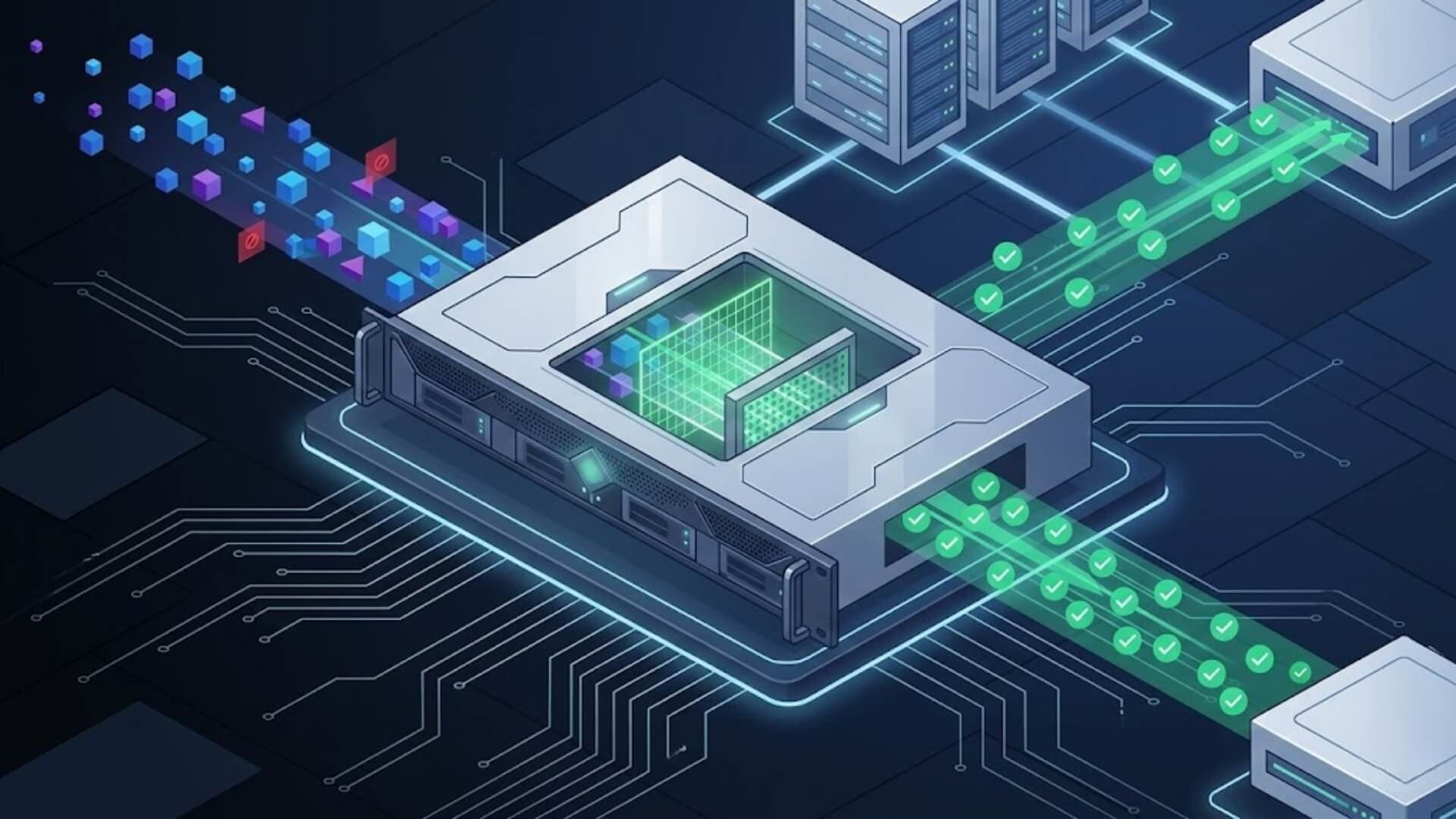
Cyberattacks are no longer limited to large corporations. Today, even small and mid-sized businesses face constant threats from ransomware, phishing campaigns, botnets, and unauthorized network access. Many companies rely solely on basic antivirus software or cloud security tools, believing that these measures are enough. However, without a strong perimeter defense, your entire internal network may remain exposed.
This is where a hardware firewall becomes essential. Unlike software-based protection installed on individual devices, a hardware firewall acts as a dedicated security gateway that monitors and filters all incoming and outgoing network traffic. It provides centralized control, stronger performance, and enterprise-level protection for growing organizations.
In this guide, you will learn what a hardware firewall is, how it works, how it compares to software firewalls, and how to choose the right solution for your business.
What is a Hardware Firewall?Link to heading

A hardware firewall is an independent physical device installed within a network to monitor and control internet traffic. Every data exchange across a computer network is transmitted in the form of packets, and these packets are inspected by the firewall to ensure they comply with established security rules and access policies.
Similar to a dedicated server or standalone computer, this device operates independently and is designed specifically to examine and regulate network connections.
Because a hardware firewall functions as a self-contained unit, it integrates all required hardware components and embedded software necessary to maintain and enforce network security boundaries.
Although the specific capabilities and operating methods may differ significantly between models and manufacturers, most hardware firewalls typically include essential features such as URL filtering and an intrusion prevention system (IPS) to detect and block malicious activities.
>>> Learn more: Types of firewalls every IT professional must know in 2026
How does a hardware firewall operate?Link to heading
A hardware firewall monitors all data entering a network from the internet and checks whether that traffic complies with predefined security rules. It carefully inspects incoming and outgoing packets to ensure they do not violate established policies.
Packet filtering mechanisms evaluate different characteristics of each data packet, including source and destination IP addresses, port numbers, and protocol types. The firewall then compares this information against a set of configured rules and permissions to decide whether the traffic should be allowed to pass or be blocked.
In addition to basic packet filtering, most hardware firewalls incorporate advanced access control mechanisms and deeper inspection capabilities. Many modern appliances include features such as intrusion detection and prevention systems, signature-based threat recognition, and even machine learning technologies that help identify suspicious patterns or previously unknown malicious content.
These layered security components operate together, strengthening overall protection and improving the organization’s ability to defend against evolving cyber threats.
A key characteristic of a hardware firewall is that it is a dedicated physical device installed at the network perimeter. Because it functions as a standalone appliance, deployment is often straightforward and efficient. In many cases, the device can be installed directly between the internal network and the internet connection, operating in inline mode to inspect all traffic passing through it.
Once properly configured, it protects every connected device on the network without requiring individual setup on each endpoint. This centralized approach simplifies administration, reduces maintenance complexity, and allows security teams to manage network protection more effectively.
Benefits of using a Hardware FirewallLink to heading

- Centralized network protection: A single hardware firewall secures every device connected to the server, eliminating the need to install and manage security software on each individual computer. This reduces administrative workload and saves time and resources.
- Unified updates and upgrades: Security policies and updates are applied once at the firewall level, and all connected devices receive protection immediately. This ensures consistent security across the network without relying on users or manual updates on each machine.
- Continuous operation: Hardware firewalls operate independently and remain active unless intentionally disabled. Without depending on device memory, processing power, or subscription-based software, protection remains stable and uninterrupted.
- Stronger security architecture: Because hardware firewalls run on dedicated operating systems, they are less vulnerable to attacks that compromise individual computers. Many models are built as durable appliances for demanding or remote environments, delivering reliable performance in all conditions.
- Blocking threats before entry: Acting as a physical barrier between the internet and internal systems, a hardware firewall prevents malicious traffic from reaching internal drives, stopping attacks before they infiltrate the network.
Limitations of using a Hardware FirewallLink to heading
- Higher cost: A hardware firewall includes both a physical appliance and embedded software, which makes it more expensive than cloud-based alternatives. These dedicated devices are built to process large volumes of network traffic, and higher performance models come at a significantly higher price.
- Complex setup: Because it is a physical device, a hardware firewall must be installed and connected to the network infrastructure, occupying physical space. In addition, configuring the software to function properly within the network can be technically demanding. Supporting remote employees often requires additional configurations, increasing complexity.
- Limited traffic inspection by default: By default, hardware firewalls primarily inspect incoming traffic. While this strengthens perimeter security, they may not effectively monitor or control outbound traffic without additional configuration. This can expose organizations to data exfiltration risks.
- Challenging maintenance: Maintaining a hardware firewall can be demanding. It may require continuous monitoring by network administrators and, in some cases, on-site support. Firmware updates, rule adjustments, and system optimizations are typically less streamlined compared to cloud-based firewall solutions.
Not every WordPress website needs a complex hardware firewall to stay secure. If you are running a WordPress site and want strong protection without investing in expensive network appliances, W7SFW (WordPress Firewall) is a practical and efficient alternative.
Designed specifically for WordPress environments, W7SFW operates at the application level to block malicious requests, brute-force attacks, malware injections, and exploit attempts before they can damage your website. With easy deployment, centralized rule management, and optimized performance for WordPress, it delivers powerful security without requiring physical devices, complicated infrastructure, or high upfront costs.
>>> Install W7SFW today and secure your website.
Hardware Firewall vs. Software FirewallLink to heading

|
Hardware Firewall |
Software Firewall |
|
|
Definition |
A physical security appliance installed between the internal network and the internet. |
A software application installed on individual devices or servers. |
|
Deployment location |
Placed at the network perimeter (gateway level). |
Installed directly on endpoints (PCs, servers, laptops). |
|
Primary protection scope |
Protects the entire network. |
Protects a single device or host. |
|
Traffic monitoring |
Filters and inspects traffic entering and leaving the network. |
Monitors traffic specific to the device it is installed on. |
|
Performance impact |
Uses dedicated hardware resources; minimal impact on endpoint performance. |
Uses device CPU and memory; may reduce performance under heavy load. |
|
Scalability |
Designed for business and enterprise networks; supports high throughput. |
Limited scalability; must be installed and managed per device. |
|
Security depth |
Often includes advanced features like IDS/IPS, deep packet inspection, VPN gateway, network segmentation. |
Typically focuses on port blocking, application filtering, and basic intrusion prevention. |
|
Management |
Centralized management for the entire network. |
Managed individually on each device (unless centrally controlled via enterprise tools). |
|
Remote workforce support |
Requires VPN or additional configuration for remote users. |
Protects remote devices directly wherever they connect. |
|
Cost |
Higher upfront cost (hardware appliance + licensing + maintenance). |
Lower initial cost; often included with operating systems or endpoint security suites. |
|
Installation complexity |
Requires physical setup and network configuration. |
Simple installation; similar to installing standard software. |
|
Maintenance |
Firmware updates, rule tuning, and possible on-site support. |
Software updates handled per device or centrally in enterprise environments. |
|
Best for |
Small-to-large businesses, enterprises, data centers, and environments requiring perimeter defense. |
Individual users, small offices, or endpoint-level protection within larger security strategies. |
|
Security layer position |
Perimeter security layer. |
Endpoint security layer. |
ConclusionLink to heading
A hardware firewall is more than just a security device, it is a critical layer in a modern, defense-in-depth strategy. By filtering traffic at the network perimeter, blocking malicious activity before it reaches internal systems, and providing centralized management, it delivers enterprise-level protection for businesses of all sizes.
Although costs and maintenance requirements should be carefully evaluated, the protection it offers against ransomware, unauthorized access, and data breaches makes it a valuable investment.