10 min read
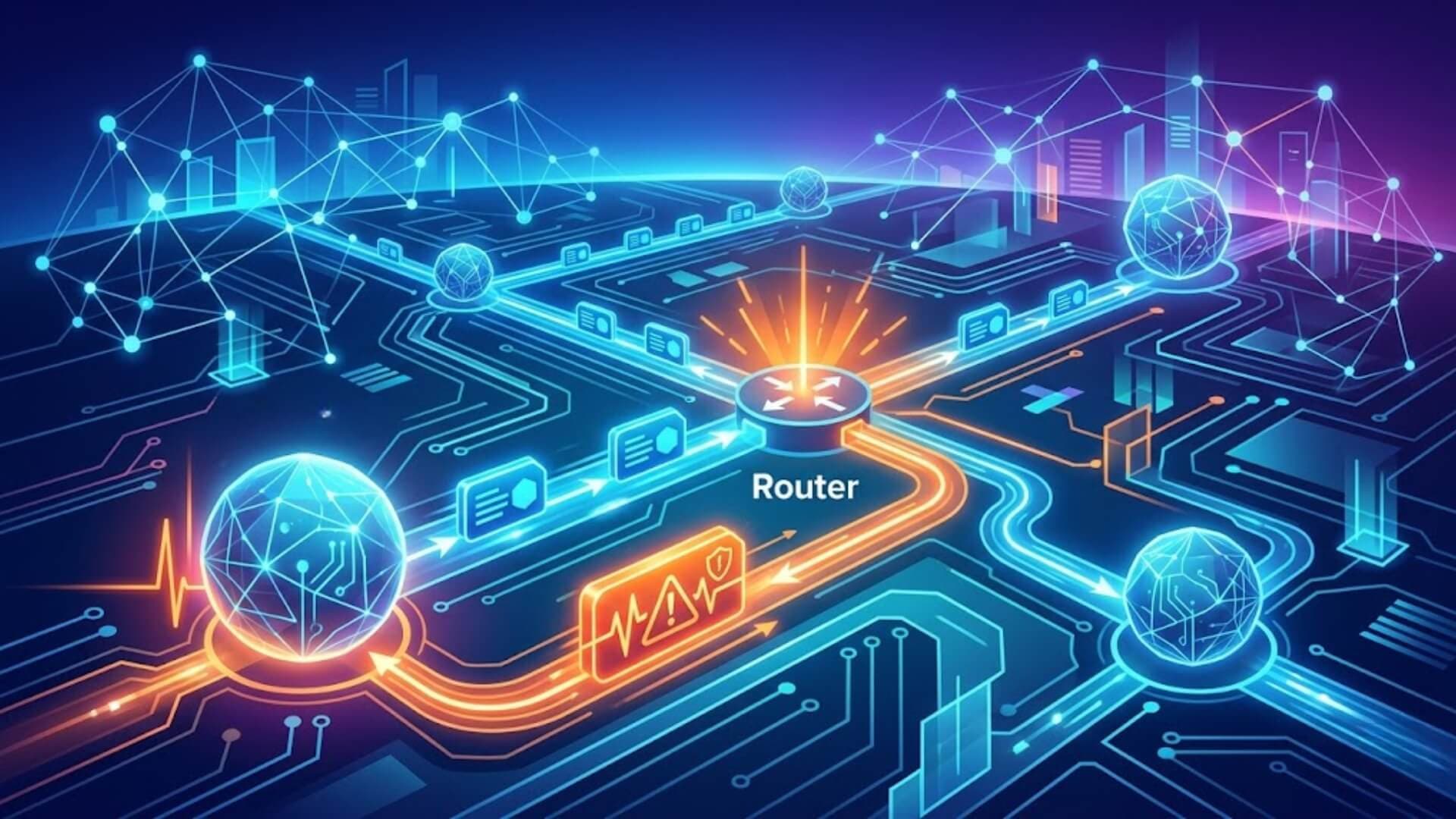
When a network connection fails, devices need a way to report what went wrong. Internet Message Control Protocol provides that function. It allows routers and hosts to send error messages, share diagnostic information, and help administrators identify network problems. Without ICMP, troubleshooting connectivity issues would be much harder.
Although ICMP is best known for supporting Ping requests, its role extends far beyond basic connectivity tests. In this article, you will learn how ICMP works, its most common uses in networking, and the risks that can arise when attackers misuse the protocol.
What is Internet Message Control Protocol (ICMP)?Link to heading

Internet Control Message Protocol (ICMP) is a network-layer protocol that network devices use to identify and report communication problems. It helps determine whether data packets successfully reach their destination and whether they arrive within an acceptable timeframe.
ICMP is commonly implemented on networking equipment such as routers and plays an important role in monitoring network performance and reporting errors. While it is essential for troubleshooting and diagnostics, attackers can also misuse ICMP in certain distributed denial-of-service (DDoS) attacks.
What is ICMP used for?Link to heading
The main function of ICMP is error reporting. When devices communicate across a network, ICMP sends notifications whenever a delivery problem occurs. For example, if a data packet exceeds the size limit a router can handle, the router discards the packet and returns an ICMP error message to the sender, informing it of the issue.
Internet Message Control Protocol is also widely used for network diagnostics. Popular tools such as traceroute and ping rely on ICMP messages to analyze connectivity and network performance.
Traceroute helps identify the path data takes between two devices on a network. It shows the sequence of routers a packet passes through before reaching its destination. Each step in the route is called a hop, and traceroute measures the time required for data to travel through each hop. This information can help administrators locate routing issues and sources of network latency.
Ping provides a simpler connectivity test. It measures how long it takes for a packet to travel from one device to another and return. Although ping does not display routing details like traceroute, it is commonly used to evaluate network latency and connection availability. Ping works through ICMP echo request and echo reply messages exchanged between devices.
Despite its legitimate uses, Internet Message Control Protocol can be exploited by attackers. Threats such as ICMP flood attacks and the Ping of Death use ICMP traffic to overwhelm systems and disrupt network services.
How does ICMP work?Link to heading

Unlike Internet Protocol (IP) traffic that commonly relies on transport protocols such as TCP or UDP, ICMP operates independently and does not use a transport-layer protocol. Because of this, ICMP is considered a connectionless protocol. A device can send an ICMP message without first establishing a connection with the receiving device.
For example, TCP communication requires a handshake process before data is exchanged, ensuring that both devices are ready to communicate. ICMP does not follow this process. Instead, it sends control and error-reporting messages directly when needed. ICMP also does not use port numbers, meaning it cannot target specific services or applications running on a device.
What is an ICMP packet?Link to heading
An ICMP packet is a network packet that carries information using the ICMP protocol. It contains a standard IP header followed by an ICMP header and a data section. When a router, switch, or server generates an Internet Message Control Protocol error message, the data section typically includes a copy of the original IP header and part of the packet that triggered the error.
This information helps the sender identify the source of the problem and troubleshoot network issues more effectively.
How is ICMP used in ddos attacks?Link to heading
Although ICMP is designed for network diagnostics and error reporting, attackers can misuse it to launch denial-of-service attacks.
ICMP flood attackLink to heading
An ICMP flood attack, also known as a ping flood, occurs when an attacker sends a large volume of ICMP echo request packets to a target system. The target must process and respond to each request, consuming bandwidth, memory, and processing power. As resources become exhausted, legitimate users may experience slow performance or lose access to the service entirely.
Ping of death attackLink to heading

A Ping of Death attack involves sending an Internet Message Control Protocol packet that exceeds the maximum allowed packet size. During transmission, the oversized packet is divided into smaller fragments. When the destination system reassembles those fragments, the resulting packet can exceed buffer limits, potentially causing crashes, freezes, or system instability.
Modern operating systems and network devices are generally protected against this attack, although some outdated systems may still be vulnerable.
Smurf attackLink to heading
In a Smurf attack, an attacker sends ICMP requests using a forged source IP address that belongs to the victim. Network devices receiving the request respond to the spoofed address, generating a large volume of ICMP reply traffic. As a result, the victim becomes overwhelmed with unwanted packets and may experience service disruption.
Like the Ping of Death, Smurf attacks mainly affect legacy systems and are rarely successful against properly configured modern networks.
Internet Message Control Protocol is not the only protocol used in Layer 3 DDoS attacks. Attackers have also exploited other network-layer protocols, including GRE, to generate malicious traffic. In most cases, network-layer DDoS attacks focus on routers, switches, firewalls, and other infrastructure components, whereas application-layer attacks target websites and online applications directly.
Common types of ICMP messagesLink to heading
ICMP uses different message types and codes to report network conditions, identify errors, and support diagnostic functions. Each message serves a specific purpose in helping devices communicate and troubleshoot connectivity problems.
|
ICMP type |
Code |
Description |
|
0 – Echo Reply |
0 |
Returned in response to an Echo Request, confirming that the destination device is reachable. |
|
3 – Destination Unreachable |
0 |
The destination network cannot be reached. |
|
1 |
The destination host cannot be reached. |
|
|
2 |
The required protocol is not available on the destination host. |
|
|
3 |
The destination port is unavailable or closed. |
|
|
4 |
Fragmentation is required, but the Don't Fragment (DF) flag is enabled. |
|
|
5 |
The specified source route could not be completed. |
|
|
5 – Redirect Message |
0 |
Instructs a device to use a different gateway for a particular network. |
|
1 |
Instructs a device to use a different gateway for a specific host. |
|
|
2 |
Redirects traffic based on a specific Type of Service (ToS) and network. |
|
|
3 |
Redirects traffic based on a specific Type of Service (ToS) and host. |
|
|
8 – Echo Request |
0 |
Sent to test connectivity and request an Echo Reply, commonly used by the ping utility. |
|
9 – Router Advertisement |
0 |
Announces the presence and address of available routers on the network. |
|
10 – Router Solicitation |
0 |
Requests router advertisement information from nearby routers. |
|
11 – Time Exceeded |
0 |
Indicates that the packet's Time to Live (TTL) value expired while in transit. |
|
1 |
Indicates that packet reassembly took too long and timed out. |
|
|
12 – Parameter Problem |
0 |
Reports an error in a parameter field of the packet header. |
|
1 |
Indicates that a required option is missing from the packet. |
|
|
2 |
Indicates an invalid or incorrect packet length. |
|
|
13 – Timestamp |
0 |
Used to request timing information for clock synchronization purposes. |
|
14 – Timestamp Reply |
0 |
Returns timing information in response to a Timestamp request. |
These Internet Message Control Protocol message types allow network devices to detect routing problems, report delivery failures, measure connectivity, and support troubleshooting across IP networks.
Source quench message
A source quench message tells the source to slow down its transmission rate. When a receiving host or router detects too many incoming packets, it sends this message back to the source to reduce traffic before packets start dropping. ICMP pulls the source IP from the discarded packet and sends the quench message to that address. The source then lowers its transmission speed, which frees up the congested router.
When the congested router sits far from the source, ICMP sends the quench message hop by hop so every router along the path reduces speed accordingly.
Parameter problem
When a packet reaches a router, the router recalculates the packet header checksum and compares it with the checksum value contained in the received packet to verify data integrity. If the two values match, the router accepts the packet. If they do not match, the router drops it. Internet Message Control Protocol then takes the source IP from the dropped packet and sends a parameter problem message back to the source.
Time exceeded message
A time exceeded message is generated by a router when a packet's TTL (Time to Live) value reaches zero. Each router along the path decrements the TTL by one. When it hits zero, the router discards the packet and sends this message back to the source. Traceroute uses this behavior to map the path packets take across a network.
Destination unreachable
A destination unreachable message is sent by a router or the destination host when a packet cannot be delivered. This happens for several reasons: a link failure, hardware failure, port failure, or simply no route to the destination. The message tells the source that delivery failed and includes a code that identifies the specific cause, such as network unreachable, host unreachable, or port unreachable.
Redirection message
A redirect message tells a host to use a better route for a specific destination. For example, if a host sends packets through router R1, and R1 knows that router R2 offers a direct path to the destination, R1 sends a redirect message to the host. The host then forwards future packets for that destination directly to R2, which delivers them to the final target.
Redirect messages are only sent by gateways, not by hosts. If a packet already contains routing information, no redirect is sent even if a shorter path exists.
ICMP vs TCP vs UDPLink to heading
|
ICMP |
TCP |
UDP |
|
|
Full name |
Internet Control Message Protocol |
Transmission Control Protocol |
User Datagram Protocol |
|
Protocol layer |
Network Layer (Layer 3) |
Transport Layer (Layer 4) |
Transport Layer (Layer 4) |
|
Primary purpose |
Error reporting, diagnostics, and network status messages |
Reliable data delivery between applications |
Fast data delivery with minimal overhead |
|
Connection required |
No |
Yes |
No |
|
Connection type |
Connectionless |
Connection-oriented |
Connectionless |
|
Uses port numbers |
No |
Yes |
Yes |
|
Data transfer |
Does not carry application data |
Carries application data |
Carries application data |
|
Reliability |
Does not guarantee delivery |
Guarantees delivery |
Does not guarantee delivery |
|
Packet ordering |
Not applicable |
Maintains packet order |
Does not maintain packet order |
|
Error recovery |
Reports errors only |
Detects and retransmits lost packets |
No retransmission mechanism |
|
Flow control |
No |
Yes |
No |
|
Congestion control |
No |
Yes |
No |
|
Acknowledgments |
No |
Yes |
No |
|
Handshake process |
No |
Three-way handshake |
No |
|
Header size |
8 bytes minimum |
20–60 bytes |
8 bytes |
|
Communication speed |
Fast |
Slower due to reliability checks |
Fastest among the three |
|
Network overhead |
Low |
Higher |
Low |
|
Broadcast support |
Can be used in some network broadcasts |
No |
Yes |
|
Multicast support |
Limited |
No |
Yes |
|
Typical packet types |
Echo Request, Echo Reply, Destination Unreachable, Time Exceeded |
SYN, ACK, FIN, Data Segments |
Datagrams |
|
Common tools |
Ping, Traceroute |
Web browsers, email clients, file transfer applications |
DNS, VoIP, online gaming, streaming |
|
Common use cases |
Network troubleshooting, path discovery, connectivity testing |
Web browsing, email, file downloads, secure communications |
Video streaming, voice calls, gaming, DNS queries |
|
Security risks |
ICMP Flood, Smurf Attack, Ping of Death |
SYN Flood, TCP Reset Attacks |
UDP Flood, Amplification Attacks |
ConclusionLink to heading
In summary, Internet Message Control Protocol plays a key role in keeping IP networks running smoothly. It helps devices report errors, test connectivity, and provide the information needed to diagnose network issues. Tools such as Ping and Traceroute depend on ICMP to measure performance and identify routing problems.
At the same time, understanding the risks associated with ICMP is important because attackers can exploit the protocol in certain network attacks. By learning how ICMP works, network administrators and IT professionals can troubleshoot problems more effectively and build more resilient networks.
>>> What happens when attackers use flood techniques to overwhelm your website? W7SFW helps identify and block malicious traffic before it impacts your visitors.