10 min read
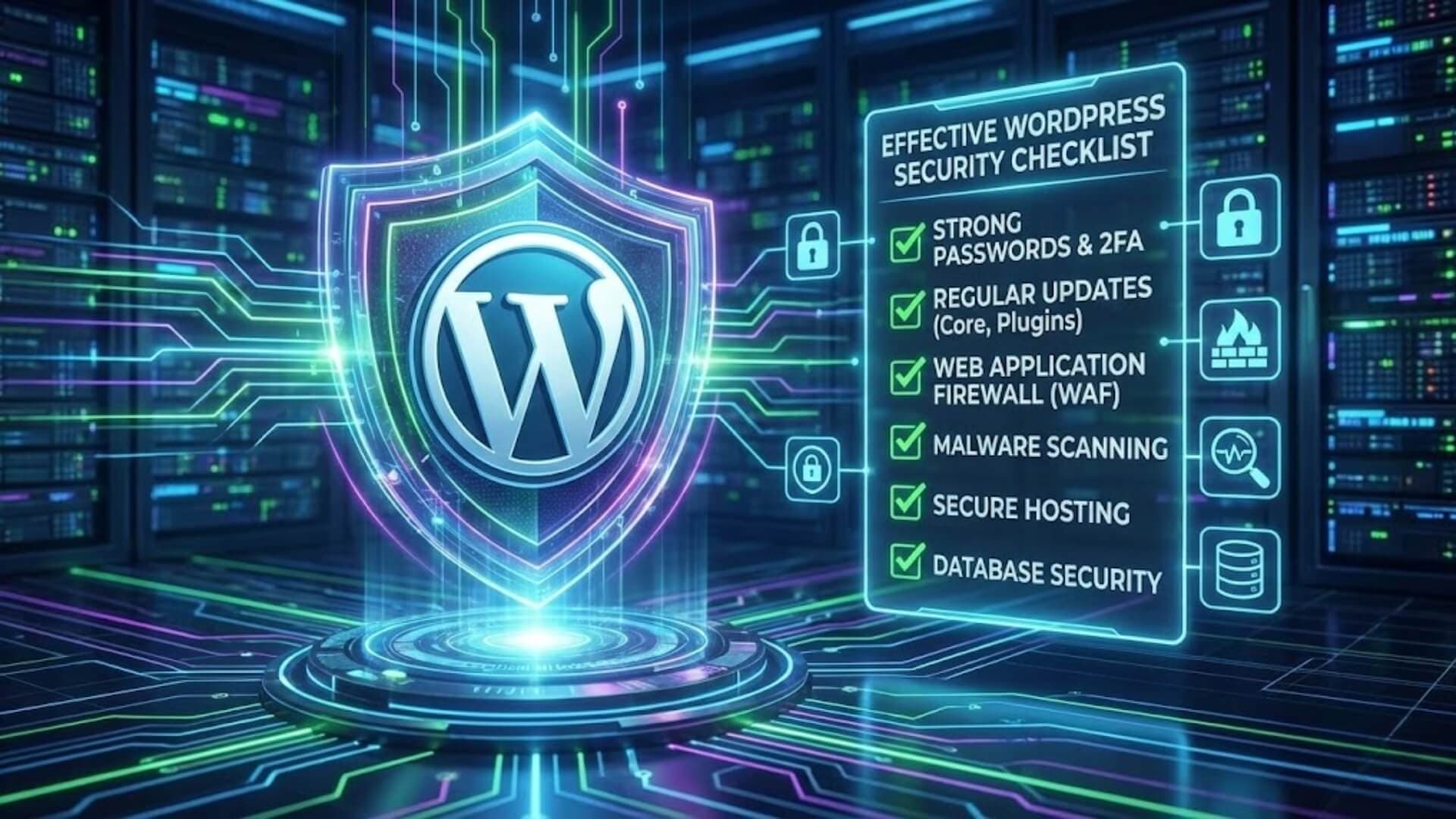
Cyber threats are evolving rapidly, and small enterprises often face disproportionate risks due to limited IT resources and expertise. WordPress, while highly flexible, can be vulnerable to attacks if not properly secured. To address this, a structured approach is essential. In this article, we offer an effective WordPress security checklist for small enterprises, covering key areas such as plugin management, user authentication, backups, and firewall integration.
By following this checklist, business owners can proactively protect their websites and maintain uninterrupted online operations.
Why WordPress security is critical for small businessesLink to heading

Many small business owners assume that cybercriminals focus only on large corporations or high-profile websites. This misconception often leads to complacency in website security. In reality, hackers rarely consider the size or revenue of a business; they focus on vulnerabilities.
Common threats facing small WordPress sitesLink to heading
Small WordPress sites are vulnerable to a variety of cyber threats. Malware infections, phishing attacks, and brute-force login attempts are among the most common. Outdated plugins and themes can also serve as gateways for attackers.
For example, a small e-commerce site using an outdated WooCommerce plugin may inadvertently allow hackers to inject malicious scripts that steal payment details. Additionally, unsecured hosting environments or weak passwords can give unauthorized users access to sensitive files or administrative accounts.
By identifying these risks, small business owners can take preventative steps, such as using strong authentication, regularly updating plugins, and installing a reliable firewall.
Consequences of ignoring securityLink to heading
Failing to secure a WordPress site can have severe consequences. Data breaches may expose personal customer information, leading to identity theft or legal penalties under regulations like GDPR. Websites may also be blacklisted by search engines, causing a dramatic drop in organic traffic.
For instance, a small business blog infected with redirect malware could be flagged by Google, preventing users from visiting the site and harming the company’s reputation. Additionally, downtime caused by attacks can interrupt sales, reduce productivity, and erode client trust. Proactively implementing security measures mitigates these risks, ensuring small businesses remain operational and reliable.
>>> See more: Why are WordPress Websites easily attacked
Comprehensive 30-step WordPress security checklist for small businessesLink to heading

Core & Software updatesLink to heading
Always keep the WordPress Core updated to the latest version
The WordPress core is the foundation of your website, and keeping it updated is critical for security. Each update not only introduces new features but also patches vulnerabilities that hackers can exploit. Running an outdated core leaves your site exposed to known attacks, as automated bots constantly scan for websites that haven’t applied the latest patches.
By ensuring your WordPress core is always up to date, you significantly reduce the risk of malware infections and unauthorized access.
Regularly update all plugins and themes
Plugins and themes extend your website’s functionality, but they are also frequent targets for attackers. Developers release updates to fix bugs, patch vulnerabilities, and improve compatibility. Failing to update them regularly means your website could be compromised through an outdated plugin or theme. Establishing a routine to check for and install updates ensures that your extensions remain secure and compatible with the latest WordPress core.
Remove any unused plugins and themes
Inactive or unused plugins and themes can still pose security risks because their files remain on the server. Hackers can exploit these dormant files to gain unauthorized access or inject malware. Removing any unnecessary plugins or themes reduces the attack surface, simplifies maintenance, and ensures your site only contains essential and secure components.
Only install plugins and themes from trusted sources
Not all plugins and themes are created equal. Using unverified or pirated software can introduce hidden malware or backdoors into your website. Always install extensions from reputable developers or official marketplaces, such as WordPress.org. Trusted sources ensure that the code has been reviewed, regularly updated, and is less likely to contain vulnerabilities, keeping your website safe from potential threats.
Authentication & User ManagementLink to heading

Use strong and unique passwords for all accounts
Passwords are the first line of defense against unauthorized access. Weak or reused passwords can be easily guessed or cracked using automated tools. Each account, especially administrator and editor accounts, should have a strong, unique password containing a mix of uppercase and lowercase letters, numbers, and special characters. This reduces the likelihood of brute-force attacks and protects sensitive areas of your WordPress site.
Enable two-factor authentication (2FA) for administrators and key users
Two-factor authentication adds an extra security layer by requiring a second verification step, such as a code sent to a mobile device, in addition to the password. Even if a password is compromised, 2FA prevents unauthorized access because the attacker cannot complete the second step. Implementing 2FA for administrators and key users significantly strengthens account security and minimizes the risk of account takeover.
Limit the number of failed login attempts
Hackers often use automated tools to attempt thousands of password combinations in a short time (brute-force attacks). Limiting the number of failed login attempts per IP address helps block these attacks and prevents continuous unauthorized access attempts. Many security plugins allow you to configure thresholds and temporarily lock accounts after repeated failed logins, which reduces vulnerability.
Review and delete unnecessary user accounts
Old or unused accounts, particularly those with administrative privileges, can be exploited by attackers to gain access to your site. Regularly auditing your user list and removing accounts that are no longer needed reduces potential attack vectors and improves overall site security. Ensure that any accounts deleted have their permissions revoked and that no critical data is lost in the process.
Assign access permissions based on the principle of least privilege
Users should only have the minimum level of access necessary to perform their tasks. Giving full administrative rights to every user increases the risk of accidental or malicious changes. By assigning permissions carefully - e.g., editors for content management, authors for their own posts - you limit potential damage if an account is compromised and maintain tighter control over site security.
Firewall & Traffic ProtectionLink to heading

Install a Web Application Firewall (WAF)
A Web Application Firewall (WAF) acts as a protective barrier between your WordPress website and incoming traffic. It inspects all requests and blocks malicious activities such as SQL injections, cross-site scripting (XSS), and other application-level attacks. Installing a WAF ensures that known attack patterns are intercepted before they can reach your website, providing an essential layer of security that protects both your data and your users.
Use an external firewall to filter malicious traffic
While a WAF protects the application layer, an external firewall adds an additional layer of defense at the network level. It filters traffic before it even reaches your server, blocking suspicious IP addresses, bot traffic, and unauthorized requests. Using an external firewall, such as a cloud-based solution, reduces server load and mitigates threats including zero-day attacks that internal solutions might miss.
W7SFW is a full-service protection system designed to shield your WordPress site from all malicious traffic before it reaches your server. Unlike traditional WAFs that rely on signatures and often fail against zero-day attacks, W7SFW uses a proactive “Blacklist All” approach, allowing only verified safe traffic through its exclusive Default Rules and Whitelist system.
Enhance your security further with built-in 2FA, and enjoy peace of mind as W7SFW filters threats externally, before they hit your website.
Don’t wait until it’s too late - secure your WordPress site today with W7SFW!
>>> See more: Top 5 best WordPress firewalls in 2026
Activate DDoS protection where possible
Distributed Denial of Service (DDoS) attacks overwhelm a website with excessive traffic, making it slow or completely inaccessible. Activating DDoS protection through your firewall or hosting provider helps absorb or filter malicious traffic, ensuring legitimate users can still access your site. This proactive measure prevents downtime and protects your business’s online presence during an attack.
Monitor for unusual traffic patterns
Continuous traffic monitoring allows you to detect abnormal spikes, repeated failed login attempts, or suspicious access patterns. Early detection of unusual traffic can help identify attacks in progress, such as brute-force attempts, bot attacks, or exploitation of vulnerabilities. Combining monitoring with automated alerts and firewall rules enables rapid response to potential threats, maintaining the security and stability of your WordPress site.
Backup & RecoveryLink to heading

Implement the 3-2-1 backup strategy
The 3-2-1 backup strategy is a widely recommended approach to ensure reliable data protection. It involves keeping three total copies of your data: one primary copy and two backups. These backups should be stored in two different formats (e.g., local disk and cloud storage) and at least one copy should be off-site or off-server. This method ensures that even if your primary server or local backups fail, your website data remains safe and recoverable.
>>> See more: Backups and Firewalls: The ultimate website security duo
Schedule regular backups
Backups are only effective if they are up-to-date. Scheduling regular backups ensures that your website data, including files, databases, and configurations, is captured consistently. Depending on your website activity, this could be daily, weekly, or even hourly. Frequent backups minimize the risk of losing critical data, such as user submissions, e-commerce transactions, or new content, between backup intervals.
Store backups securely, separate from the main server
To prevent backups from being compromised along with the main server, always store them in a secure, separate location. Cloud storage solutions, external drives, or off-site servers are recommended. Ensure that these backups are encrypted and access-controlled to protect against unauthorized access, malware infections, or ransomware attacks.
Regularly test backup restoration through dry runs
A backup is only valuable if it can be successfully restored. Performing regular dry runs - restoring your backups to a staging or test environment - verifies that your files and databases are intact and functional. This process helps identify potential issues with corrupted backups or incomplete restoration procedures, ensuring that in the event of a real incident, recovery will be smooth and reliable.
Malware & Security scanningLink to heading

Install malware scanning plugins
Malware scanning plugins are essential tools for detecting malicious code and vulnerabilities in your WordPress website. These plugins scan core files, themes, plugins, and uploaded media for suspicious scripts, injections, or alterations. Regular use of malware scanners helps identify infections early, reducing the risk of data loss, website defacement, or unauthorized access.
Popular options include Wordfence, Sucuri, and MalCare, which provide automated alerts and reports on detected threats.
Periodically check files and the database for hidden backdoors
Hackers often leave hidden backdoors in files or the database to regain access even after malware removal. Periodically inspecting your WordPress installation is critical for uncovering these covert access points. Focus on sensitive directories such as wp-content/uploads, plugin folders, and tables like wp_options and wp_posts.
Manual or automated checks can detect unusual code patterns, suspicious file modifications, or unknown administrative accounts, ensuring a comprehensive cleanup.
Monitor for suspicious URLs or unexpected redirects
Unexpected redirects and suspicious URLs are common indicators of a compromised website. Malware may redirect visitors to phishing pages, malicious ads, or spam websites, often without visible signs in the front-end. Regularly monitor for unusual URL patterns, check analytics for sudden spikes in referral traffic, and use tools that detect redirects or injected scripts.
Early detection allows you to remove infections before they spread or impact SEO, user trust, and website functionality.
Server & Hosting securityLink to heading

Choose a reputable hosting provider with strong security measures
The foundation of website security begins with the hosting environment. Selecting a reputable hosting provider ensures that your server infrastructure includes robust security protocols such as firewall protection, intrusion detection, malware monitoring, and regular server patching.
Providers with dedicated security teams and proactive monitoring can prevent many attacks before they reach your website, minimizing the risk of server-level breaches or downtime.
Ensure the entire website uses HTTPS/SSL
Using HTTPS and SSL certificates encrypts data transmitted between your website and visitors, protecting sensitive information like login credentials, payment details, and personal data. SSL also enhances trust with users and improves search engine rankings. Ensure all pages, including login portals, checkout pages, and forms, are served over HTTPS to prevent interception or tampering by attackers.
>>> Learn more: What is HTTP/3?
Configure file permissions securely (wp-config.php, wp-includes, uploads)
Proper file permissions limit access to sensitive files, reducing the risk of unauthorized modifications. Critical files such as wp-config.php should be set to read-only for the server user (e.g., 400 or 440 permissions), while directories like wp-includes and uploads should restrict write and execute access for untrusted users. Secure file permissions prevent attackers from editing core files, uploading malicious scripts, or exploiting vulnerabilities.
Disable PHP execution in the uploads and wp-includes directories
Many attacks involve executing malicious PHP scripts in directories where they shouldn’t run, such as uploads or wp-includes. Disabling PHP execution in these locations prevents unauthorized scripts from executing even if an attacker uploads them. This can be done via .htaccess rules or server-level configuration, creating an additional layer of defense against malware, ransomware, or backdoors.
Keep PHP and MySQL versions up to date and secure
Outdated PHP or MySQL versions are prime targets for attackers exploiting known vulnerabilities. Regularly updating your server’s PHP and MySQL versions ensures that security patches are applied, performance is optimized, and compatibility with WordPress core and plugins is maintained. Using end-of-life versions exposes your website to avoidable risks and undermines all other security measures.
Monitoring & LogsLink to heading

Monitor file and configuration changes
Tracking changes to your website’s files and configurations is essential for detecting potential security breaches early. Unexpected modifications to core WordPress files, themes, plugins, or configuration files like wp-config.php can indicate malware injections or unauthorized access.
Implementing a file integrity monitoring system helps you receive alerts whenever critical files are altered, allowing immediate investigation and remediation before the issue escalates.
Check login logs to detect suspicious activity
Regularly reviewing login logs enables you to identify unusual access patterns that may signal attempted breaches. Look for repeated failed login attempts, logins from unfamiliar IP addresses or countries, or access at unusual hours. Detecting these anomalies early can prevent account compromises, unauthorized changes, or malware installations.
Combining log monitoring with alerts and automated blocking tools strengthens the login security of your WordPress site.
Set up security alerts for unusual behaviors
Proactive security alerts notify you in real time when suspicious or potentially malicious activities occur. These can include sudden spikes in traffic, unexpected file changes, repeated login failures, or attempts to access restricted areas. Configuring alerts through security plugins or server-level monitoring ensures that you are immediately aware of threats, enabling rapid response and minimizing potential damage to your website and its users.
Content & SEO ProtectionLink to heading

Regularly review content to detect spam injections or malware scripts
Even if your WordPress site appears normal, attackers can inject spam links, hidden scripts, or malicious code into posts, pages, or comments without immediate visibility. Regular content audits help you identify and remove these threats before they affect your users or SEO rankings.
Pay particular attention to unusual HTML or JavaScript code, unauthorized links, and unexpected modifications in your database, as these are common methods hackers use to manipulate search engines or distribute malware.
Monitor Google Search Console for security warnings
Google Search Console is a vital tool for detecting potential security issues that may impact your website’s visibility and credibility. Google actively scans websites for malware, phishing attempts, or other threats, and will flag affected sites with warnings such as “This site may be hacked” or “Deceptive site ahead.”
Monitoring these alerts allows you to respond quickly to any security notifications, remove malicious content, and prevent SEO penalties, helping maintain both user trust and search engine ranking.
ConclusionLink to heading
Cyber threats are constant, but small enterprises can effectively mitigate risks with a disciplined security strategy. Consistently applying a WordPress security checklist prevents vulnerabilities from being exploited. This comprehensive approach ensures business continuity, safeguards sensitive information, and strengthens customer confidence, establishing a secure online foundation for growth.