10 min read

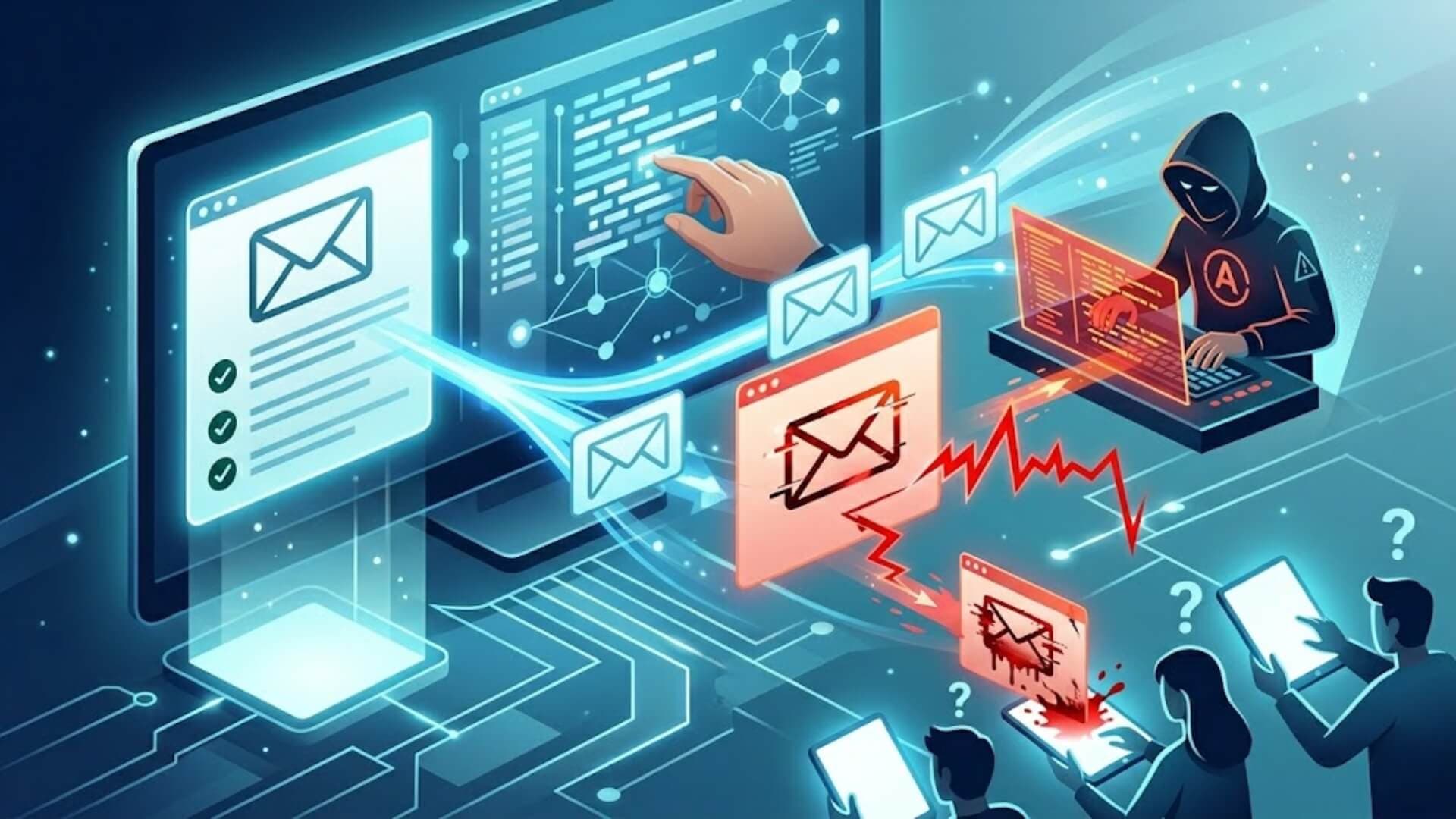
The internet makes information and services incredibly easy to access, but it also creates opportunities for cyber threats. Many cybercriminals create malicious websites designed to steal personal data, spread malware, or trick users into revealing sensitive information. Knowing how these sites operate is one of the most important steps toward staying safe on the Internet.
In this guide, we’ll explain what a malicious website is and how malicious websites work, so you can recognize potential threats before they cause harm.
What is a malicious website?Link to heading

A malicious website is a site created with the intention of harming visitors rather than providing legitimate services. Unlike trusted platforms such as online stores, financial services, or secure web applications, these sites exist to steal sensitive information or deliver harmful software to a user’s device.
Many malicious websites attempt to collect personal data such as login credentials, payment details, or other confidential information without the user realizing it.
One reason malicious websites are particularly dangerous is their ability to imitate well-known and trusted platforms. Attackers often copy the design and layout of popular services so the page appears legitimate. Fake versions of major brands, such as online marketplaces or digital payment services are commonly used in phishing attacks to trick users into entering their personal information.
In many cases, malicious websites look almost identical to the real sites they mimic. However, they are rarely found through normal search results. Instead, users are typically directed to them through phishing emails, suspicious advertisements, or deceptive pop-ups designed to lure visitors into clicking unsafe links.
>>> Learn more: Malware in WordPress: Signs, cleanup methods, and prevention
How do malicious websites work?Link to heading
Although their main goal is always deception, malicious websites can operate in several different ways. In most cases, they fall into two primary categories: phishing sites and malware distribution sites.
Cybercriminals design phishing pages to trick visitors into sharing sensitive information. These pages often include familiar online forms, requests to upload documents, or invitations to subscribe to newsletters. Once users trust the page and submit their details, attackers can collect valuable personal data without raising suspicion.
Phishing-focused malicious websites usually target highly sensitive information such as credit card numbers, account login credentials, and personal addresses. To make their traps more convincing, attackers often imitate well-known platforms. Fake versions of popular payment services or online marketplaces are frequently used because users already recognize and trust these brands.
Another category involves malware-driven malicious websites, which exist primarily to install harmful software on a visitor’s device. Once installed, the malware can collect private data, transmit information to attackers, disrupt system performance, or run hidden tasks like cryptocurrency mining.

These websites commonly spread malware through several techniques, including:
- Drive-by downloads: Attackers can infect a device without asking users to download anything or submit information. In a drive-by download attack, harmful code runs automatically when someone visits a compromised page. The user sees no download prompt and often has no indication that the system has been infected. In many cases, criminals only need to exploit vulnerable scripts, outdated plugins, or manipulated JavaScript to deploy the attack.
- Malicious files: Many phishing campaigns still rely on downloadable files to deliver malware. These files are often disguised as useful software, such as antivirus tools, updates, or media players. Because they appear helpful, users may willingly download them. Video codec downloads are another common example. When users click the link to play or install a codec, the file secretly installs malware that extracts itself and begins operating in the background.
- Malvertising: Malvertising refers to malicious advertisements that spread malware through online ad networks. These ads may look completely normal and can even appear on legitimate websites. However, when users click on them, they may trigger a hidden download or redirect the visitor to other malicious websites designed to deliver harmful content.
Some attacks also combine multiple techniques. In these hybrid cases, hackers compromise legitimate websites and secretly modify them. For example, attackers may add hidden redirects that automatically send visitors from a normal webpage to external malicious websites hosting malware or phishing content.
Legitimate web platforms can also be exploited through vulnerabilities such as cross-site scripting (XSS) or SQL injection. These security flaws allow attackers to insert malicious code into otherwise normal web applications. As a result, what appears to be a safe and trustworthy website may actually conceal dangerous threats behind the scenes.
How to identify a malicious websiteLink to heading
Multiple spelling mistakes or obvious grammar errors in the content
Professional companies usually review their content carefully before publishing it. When a website contains many language mistakes or poorly written text, it may indicate that the site was created quickly and without proper quality control, which is common among malicious websites.
Website addresses that use HTTP instead of HTTPS
The letter “S” in HTTPS shows that the site uses an SSL certificate and TLS encryption to secure data transmitted between the user and the server. Secure encryption greatly lowers the risk of interception attacks, such as man-in-the-middle data theft. If a site handling sensitive information does not use HTTPS, it should be treated with caution.
Unexpected requests to download applications or files

This is a strong warning sign. Many malicious websites depend on users accidentally downloading harmful software that appears through automatic pop-ups or misleading prompts. Once downloaded, the malware can infect the device or steal information.
Promises of unrealistic rewards or prizes
These types of messages are common across the internet. For example, a page claiming that you are the “five millionth visitor” and have won a prize is almost always deceptive. These offers are typically designed to trick users into clicking links or providing personal data.
Suspicious security warnings or alerts
Some malicious websites try to gain trust by pretending to offer protection. They may claim your system is infected or outdated and encourage you to install a tool with a single click. If you did not request such assistance, these alerts are very likely fraudulent and should be ignored.
Deals that seem unusually generous or inconsistent with the brand’s normal offers
Fraudulent pages often advertise extreme discounts or special promotions that do not appear on the official website. These offers are intended to pressure visitors into acting quickly without verifying the source.
Slightly altered or incorrect domain names
Scam websites frequently copy the domain of a legitimate brand but add small changes. For example, a domain might look similar to a well-known company but include an extra number, letter, or symbol. These small differences are commonly used by malicious websites to mislead visitors.
Very limited company details or contact information
Fake websites usually provide minimal background information about the organization behind them. If contact details are present, they may be incomplete or false. Legitimate businesses normally provide clear contact pages, company descriptions, and verifiable information about their operations.
What happens if I visit a malicious website?Link to heading

Security weaknesses: Certain malicious websites use a technique called a drive-by download. This means harmful software can be installed automatically without the user intentionally downloading anything. Once installed, the malware may begin collecting information about browsing behavior, device configuration, and possible system weaknesses.
In business environments, this type of infection can even lead to serious corporate data breaches.
Damage from malicious code: Some malicious websites contain harmful scripts, such as infected JavaScript files, that execute as soon as the page loads. These scripts may trigger repeated redirects to other unsafe pages, interfere with website functions, or damage files stored on the affected system. In severe situations, these infections can disrupt normal system operations.
Spreading malvertising: Another risk comes from malicious online advertisements, often referred to as malvertising. When users click ads placed on malicious websites or compromised platforms, those ads can redirect them to additional harmful pages. Each interaction helps the attack spread further across the internet, exposing more users to the same threat.
Browser hijacking: Some attacks involve URL manipulation or hidden scripts that install malware capable of taking control of a user’s browser. Once a browser hijacker is active, it may change search results, redirect traffic, or track browsing activity. Although these attacks are frequently used to generate advertising revenue for attackers, they can also open the door to spyware infections or even ransomware attacks.
Data loss: One of the most common dangers associated with malicious websites is the theft of personal information. Many phishing pages are created to collect confidential details through fake login forms, payment pages, or account verification requests. When users unknowingly submit their data on these fraudulent pages, attackers can capture credentials, financial information, and other sensitive records.
How to protect yourself from malicious websitesLink to heading

Keep your operating system and applications updatedLink to heading
Regularly updating your operating system, web browsers, and installed applications is one of the most effective ways to defend against malicious websites. Software updates often include security patches that fix vulnerabilities attackers may exploit. Many cyberattacks rely on known weaknesses in outdated software, so keeping systems fully updated helps prevent these threats from being used against you.
Use trusted antivirus and anti-malware protectionLink to heading
Installing reputable antivirus and anti-malware tools provides an additional layer of defense when encountering malicious websites. These security solutions can detect suspicious files, block harmful downloads, and identify drive-by infections before they spread across your device or network.
Be cautious with email links and attachmentsLink to heading
Email remains one of the most common ways attackers direct users to malicious websites. Many phishing campaigns use fake messages that encourage users to click links or open attachments. Security research consistently shows that a large percentage of phishing attacks originate through email communication. Always verify the sender before clicking links or downloading files, especially if the message is unexpected.
Avoid interacting with suspicious downloads or notificationsLink to heading
If you accidentally land on a suspicious page, avoid downloading files or accepting browser notifications unless you are confident the site is legitimate. Many malicious websites attempt to trick visitors into installing harmful software through fake update alerts, pop-ups, or misleading download buttons.
Check website URLs carefullyLink to heading
Before entering personal information on any website, carefully review the URL in your browser’s address bar. Attackers often create malicious websites that closely resemble legitimate domains but include small spelling changes or unusual extensions. Confirming that the web address matches the official website can help you avoid phishing attempts.
Verify website credibility when unsureLink to heading
If you have concerns about a website’s authenticity, take time to verify its legitimacy. You can search for information about the site, review its reputation, or contact the website owner to confirm their identity and security practices. Taking a moment to verify a site can prevent accidental exposure to malicious websites.
Separate networks and sensitive resourcesLink to heading
For organizations, network segmentation is an important security strategy. By separating critical systems from general internet access, companies can reduce the potential damage caused by malicious websites.
Train users in online security awarenessLink to heading
Human error remains a major factor in many cyber incidents. Training users to recognize phishing emails, manage credentials securely, and practice safe browsing habits is essential for preventing exposure to malicious websites. Clear security policies, combined with user activity monitoring, can further reduce the likelihood of risky online behavior.
ConclusionLink to heading
Malicious websites continue to be one of the most common threats on the internet, often hiding behind familiar designs and convincing messages. Understanding what a malicious website is and how malicious websites work helps you recognize the warning signs before serious damage occurs. By staying alert, verifying website addresses, and using proper security tools, you can greatly reduce the risk of malware infections and data theft.
>>> Continue improving your website security knowledge with more posts on the W7SFW blog.